An Introduction to freight management in Odoo 16
Read by: 6

Kalpesh Gajera
CTO
Kalpesh Gajera is the Chief Technology Officer at UNCANNY Consulting Services, specializing in Odoo, ERP, and eCommerce technologies. He focuses on building scalable enterprise solutions that help organizations streamline operations, improve efficiency, and accelerate digital transformation initiatives.

 4 Min Read
Published on May 10th 2023
A Detailed Workflow of the Freight Management Application
Freight Orders
Once you have installed the module, you will see an additional module known as Rental Management has been created in the freight menu. First of all, you will have to go to shipping and create a new freight orders.
Here, it is easier to create freight orders along with correct fields and put in the data.
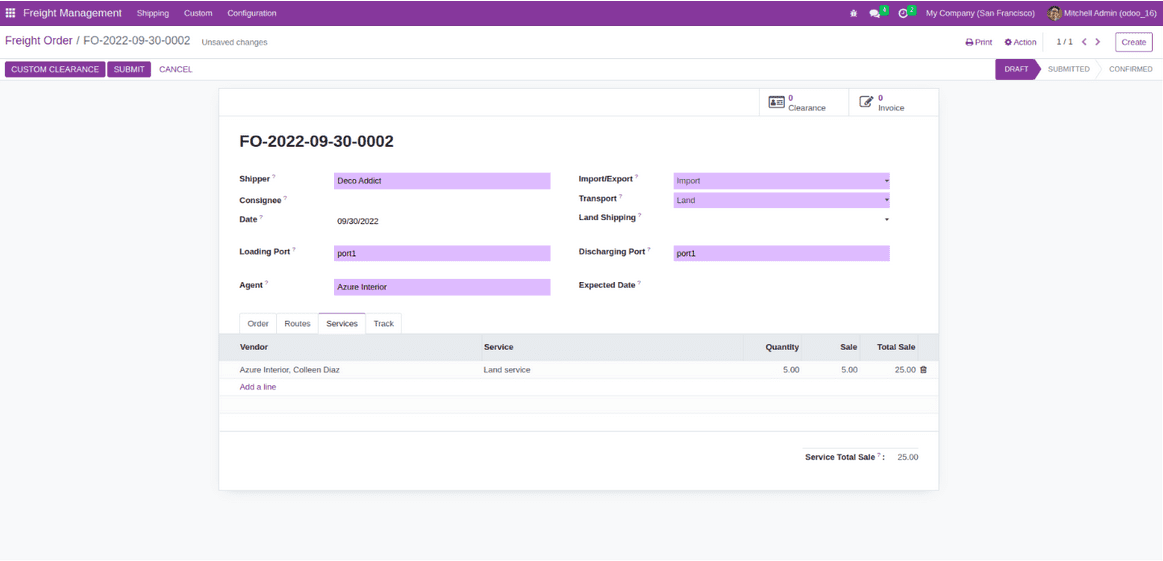
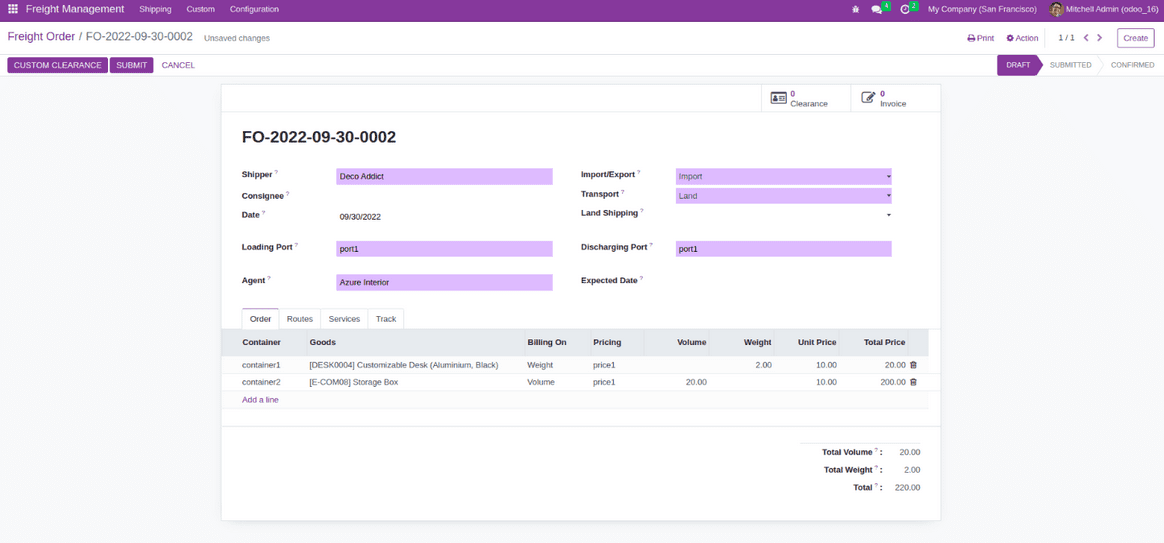
Freight order lines
Now, you can add a scare order line. Make sure to pick the appropriate shipping container, price, and payment method. It is capable enough to calculate the entire costing as the collection and cost. Suppose, if we happen to add more items to the box than it can contain, it will showcase a warning message on the screen.
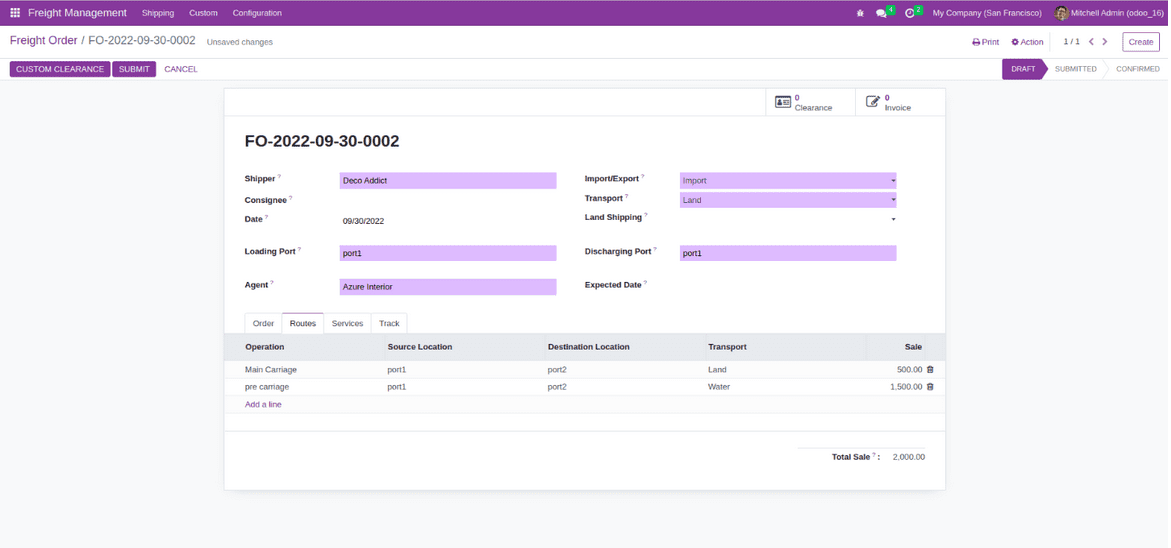
Freight Operation Routes
Once the load has been identified, we can add actions to this method.
Freight Operation Services
Here, we can define the services for the shipping. Besides this, it is also possible to add services. One can calculate the total sales amount on the basis of services offered by the vendor.
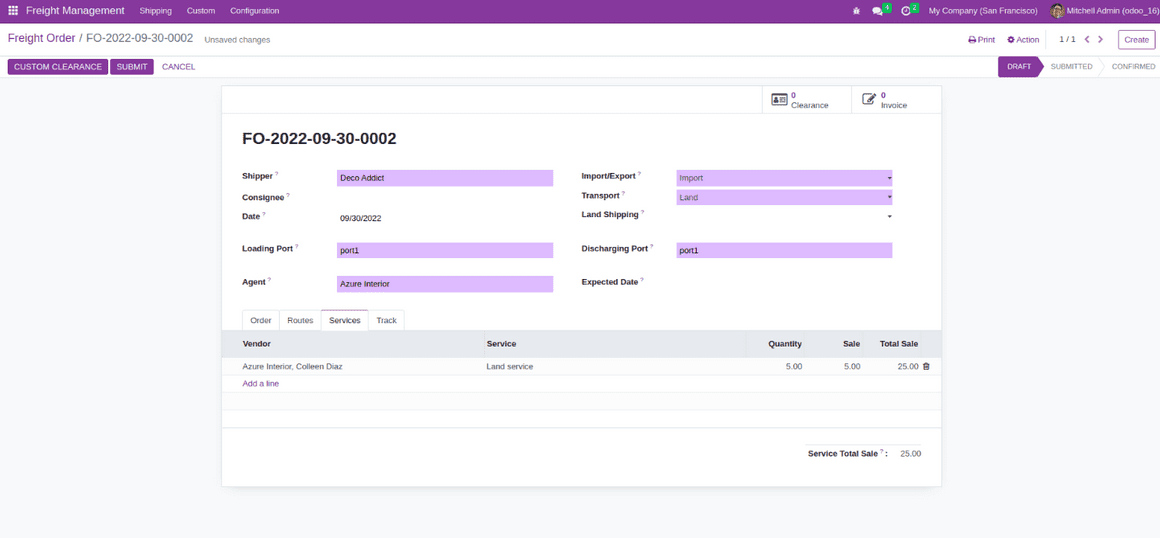
Custom Clearance
By just clicking on the custom clearance button, you can create a customized clearance for the freight order. If you wish to view the custom clearance, then go to custom, and click on the custom clearance option.
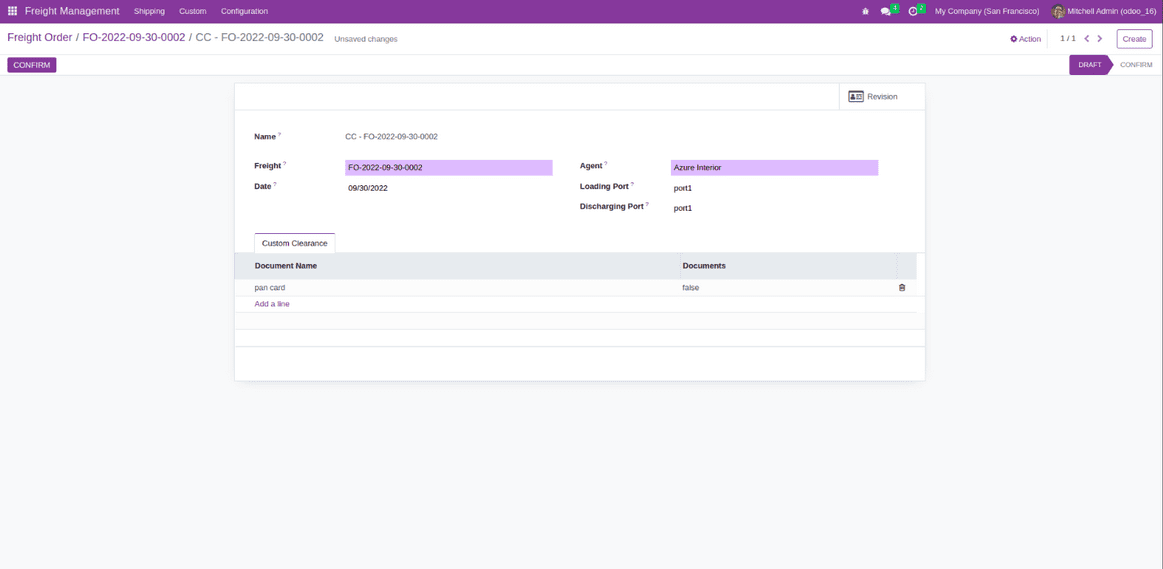
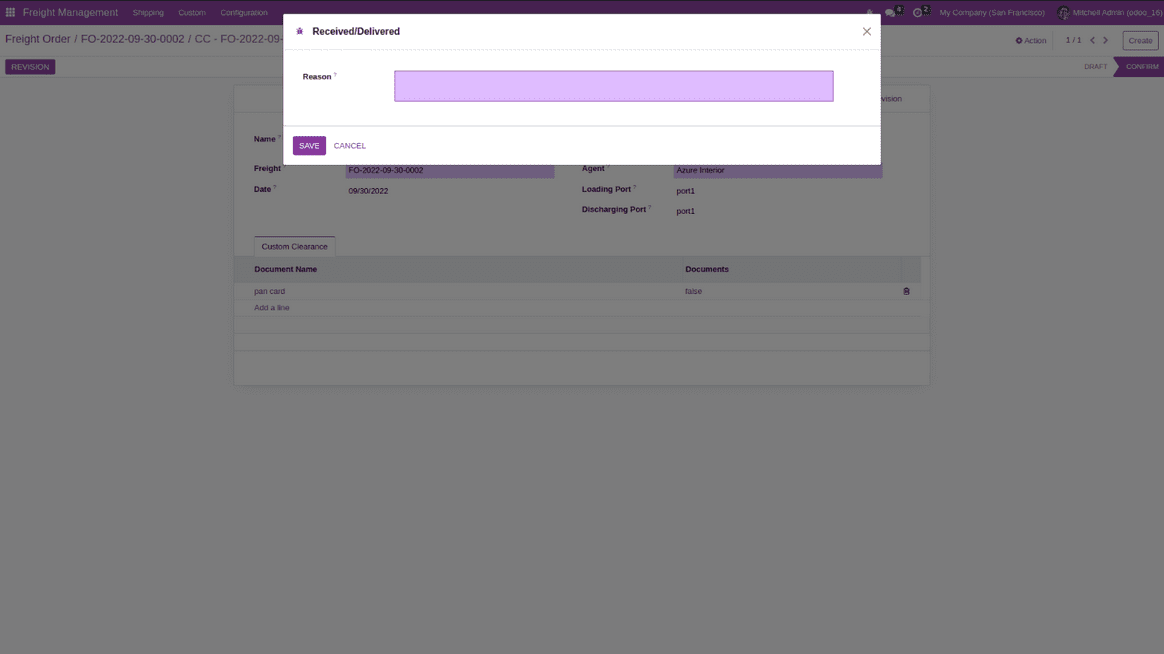
Custom Clearance Revision
It is possible to create a revised version for custom clearance by clicking on the revision button. Just click on the revision smart button to view the custom clearance vision.
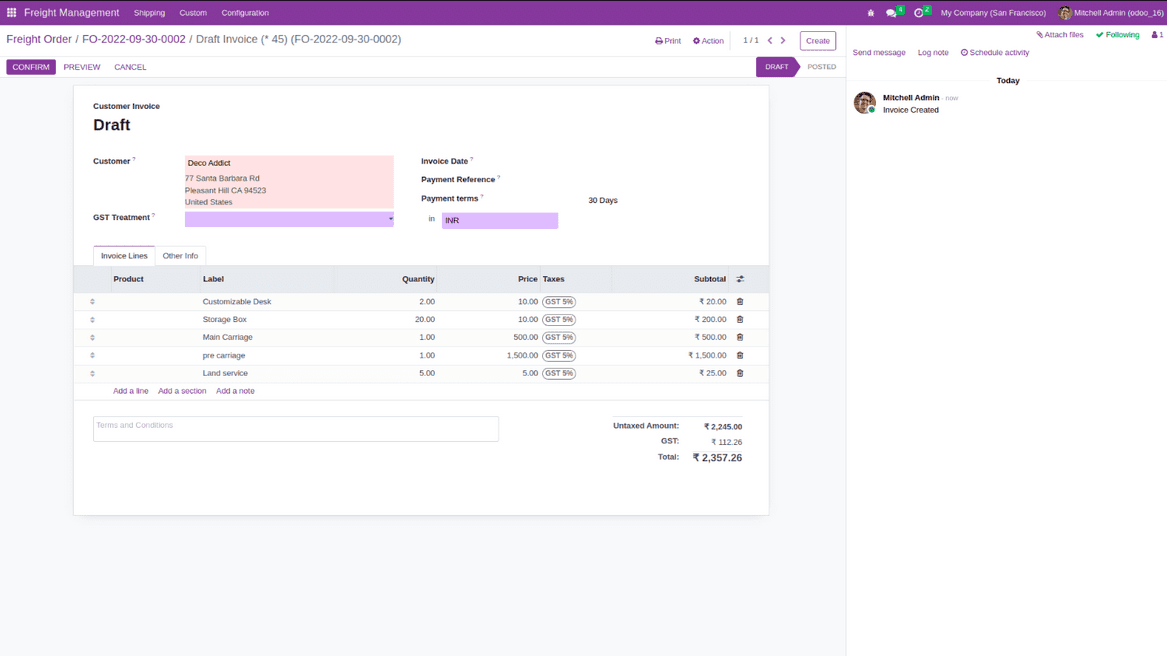
Freight Order Invoic
If you wish to create invoice for the freight order, you can do so by clicking on the invoice button.
Freight Order Tracking
To track your orders whereabouts, just click on the tracking button.
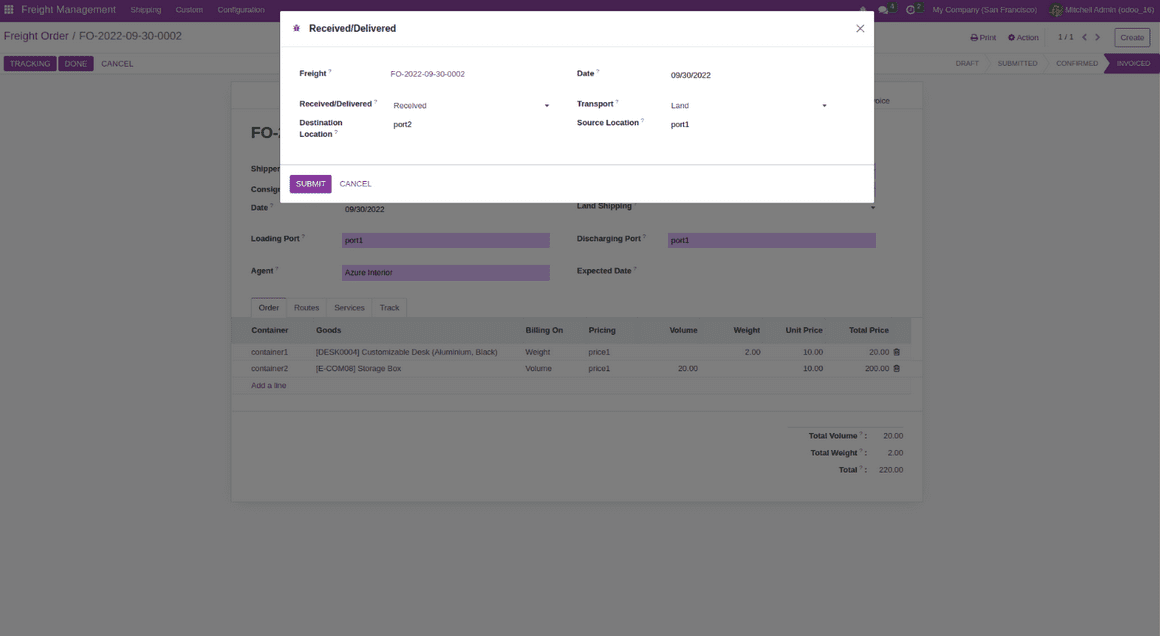
Freight Order Reporting
It is possible to print the freight order report and order tracking report from the action bar.
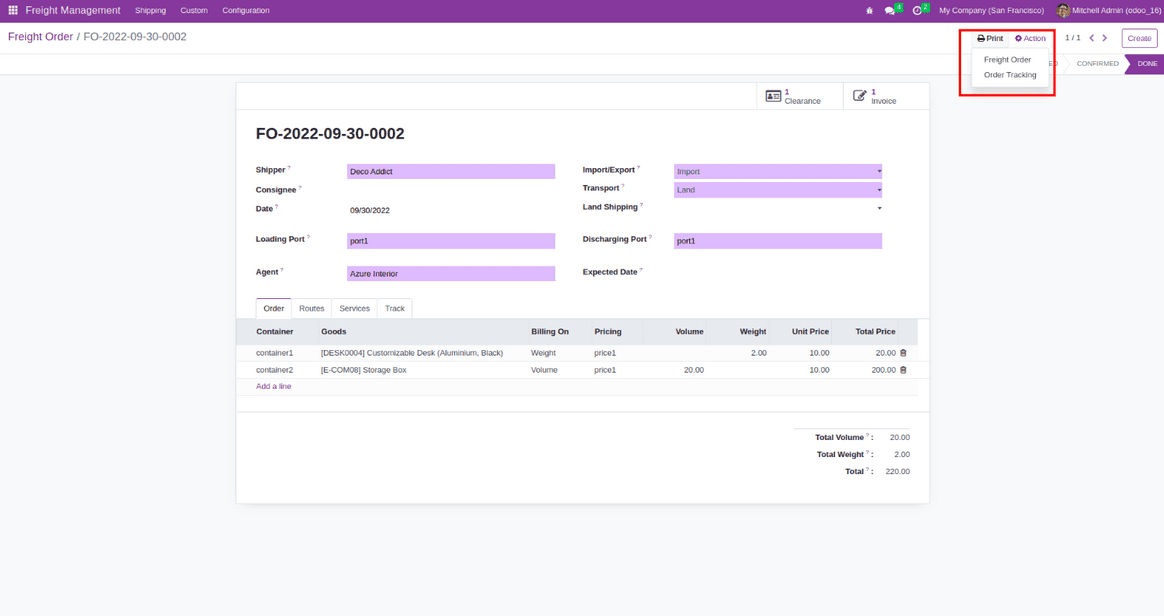
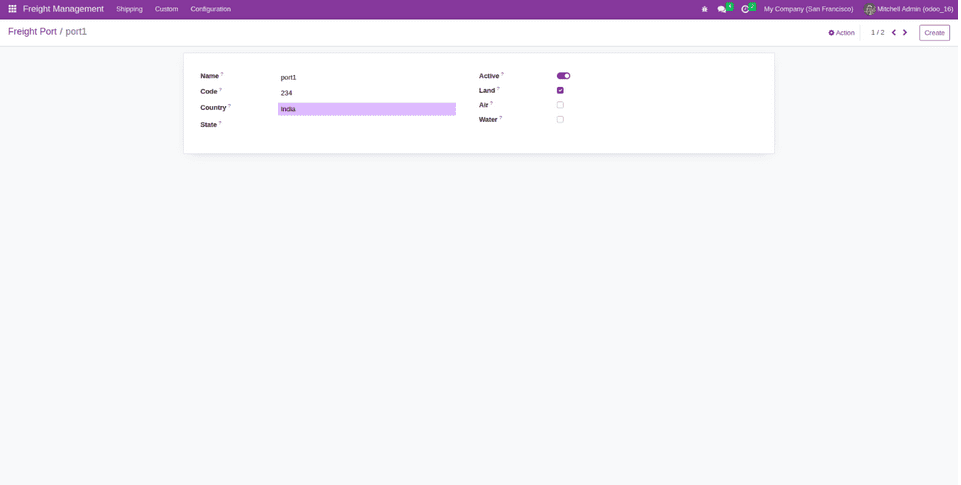
Configure Ports
If you go to the configuration menu, you will see a port menu for configuring the ports. Here, you can define a specific port location and available transport methods.
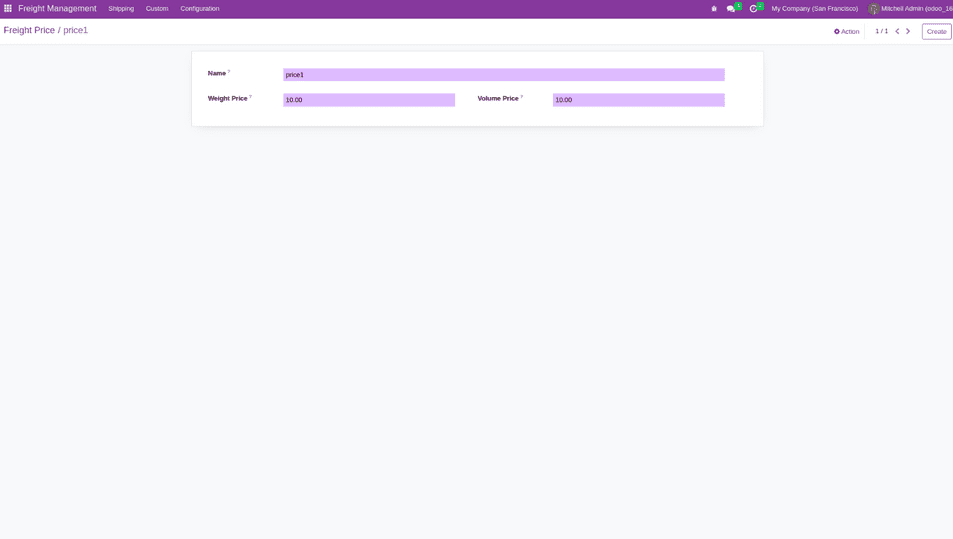
Configure Pricing
you go to the configuration menu, you will find a price list for fixing a specific price. Here, it is possible to specify the value for weight and volume.
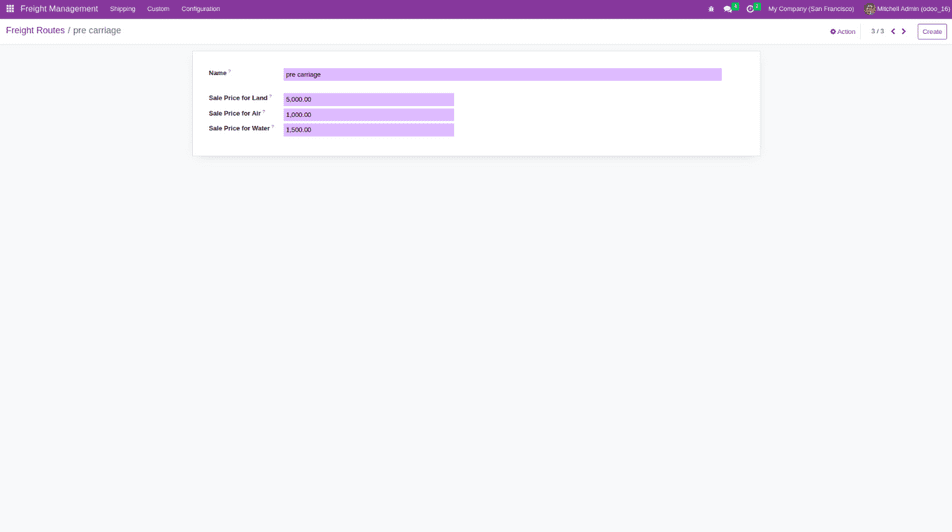
Configure Route Operation
If you want to configure the routes, then go to the configuration menu and click on the route operation menu.
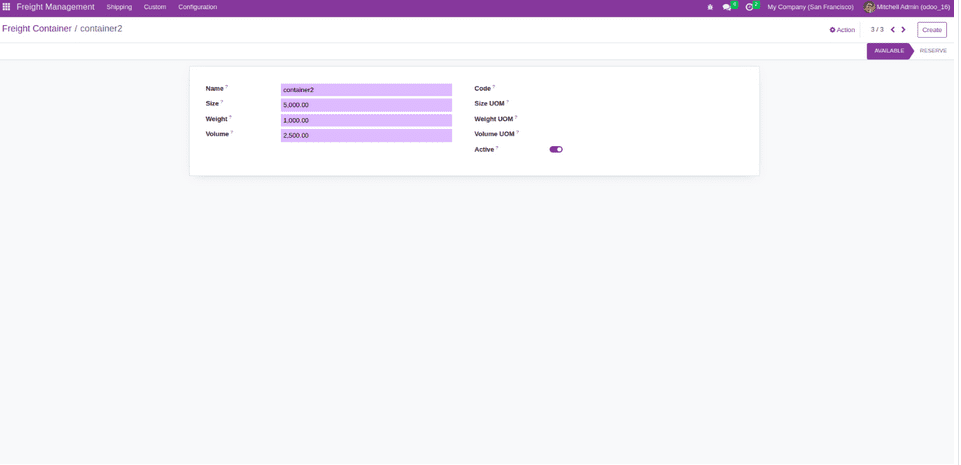
Configure container
To configure the container, you will have to click on the configure menu. Even here, you can specify the volume and weight. If you try adding more goods than the capacity of the container, then it will showcase a warning message. Suppose, the order has been confirmed for a specific container, then there is no chance of it being used for another order.
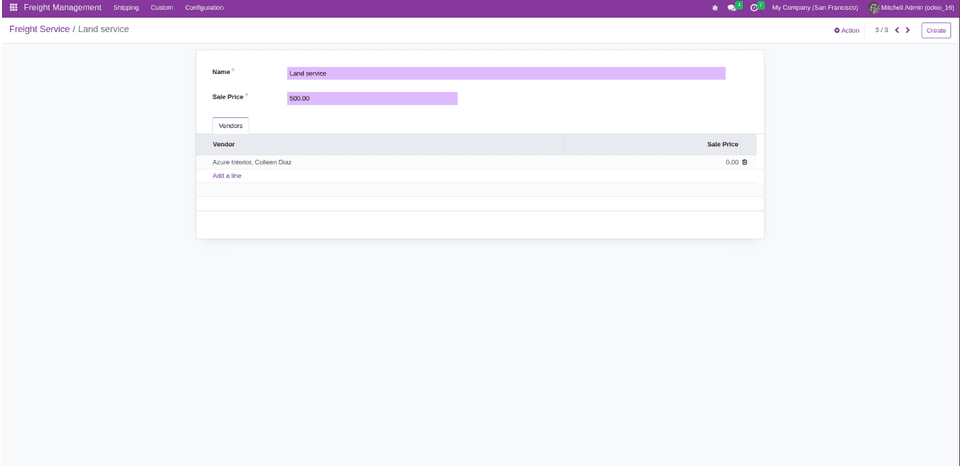
Configure services
When you go to the configuration menu, you will come across an option to configure the services. Here, it is possible to set an exception for a particular vendor.
Want to start a project with us?
Empowering businesses to achieve greatness through strategic guidance and innovative solutions.
Book A Demo
Found this post helpful? Be sure to share it with your network!


About Author
Kalpesh Gajera is the Chief Technology Officer at UNCANNY Consulting Services, specializing in Odoo, ERP, and eCommerce technologies. He focuses on building scalable enterprise solutions that help organizations streamline operations, improve efficiency, and accelerate digital transformation initiatives.


Kalpesh Gajera is the Chief Technology Officer at UNCANNY Consulting Services, specializing in Odoo, ERP, and eCommerce technologies. He focuses on building scalable enterprise solutions that help organizations streamline operations, improve efficiency, and accelerate digital transformation initiatives.