9 Proven Steps of ERP Implementation That Ensure Your Project Stays on Track
Published on December 19th 2025
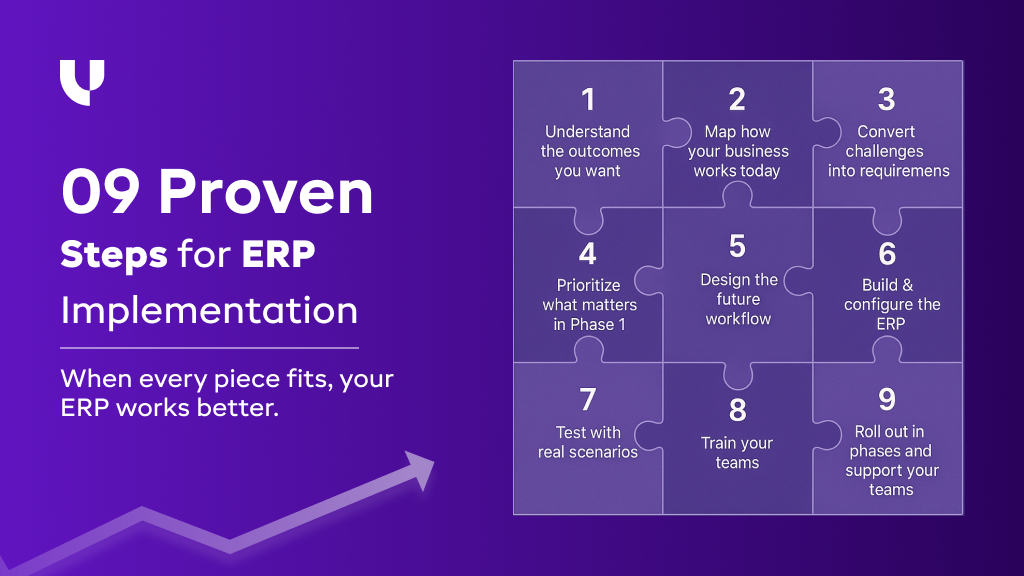
ERP Implementation Steps Explained: A Simple 9-Step Framework
Step 1: Start With Understanding the Outcomes You Want to Achieve
Every ERP project begins with the same question: What do you want this system to change for you?
Before you list modules or features, you take a step back and look at your business as it is today, without filters. This is where the real direction of your implementation begins.
At this stage, we usually focus on the improvements you want to see in the next six to twelve months. Not the technical pieces, but the actual shifts you want in your day-to-day work. This is often the moment where teams openly say things like, “This part of our process needs to change,” or “We’ve been doing this the same way for years, and maybe it’s time to update it.”
This early clarity keeps the ERP connected to your business reality. It also avoids the common trap of jumping into technical discussions too soon.
What business queries are answered in this step?
- What should change in the way you sell, stock, purchase, or manage finances?
- Which bottlenecks slow down your daily work?
- Which parts of the business are disconnected?
- Which decisions take too long or depend on too many people?
Why does this step matter in your ERP implementation?
When you define the outcomes first, every ERP decision becomes easier.
Your requirements become clearer. Your teams stay aligned. And your implementation begins with intention instead of assumptions.
Step 2: Map How Your Business Works Today
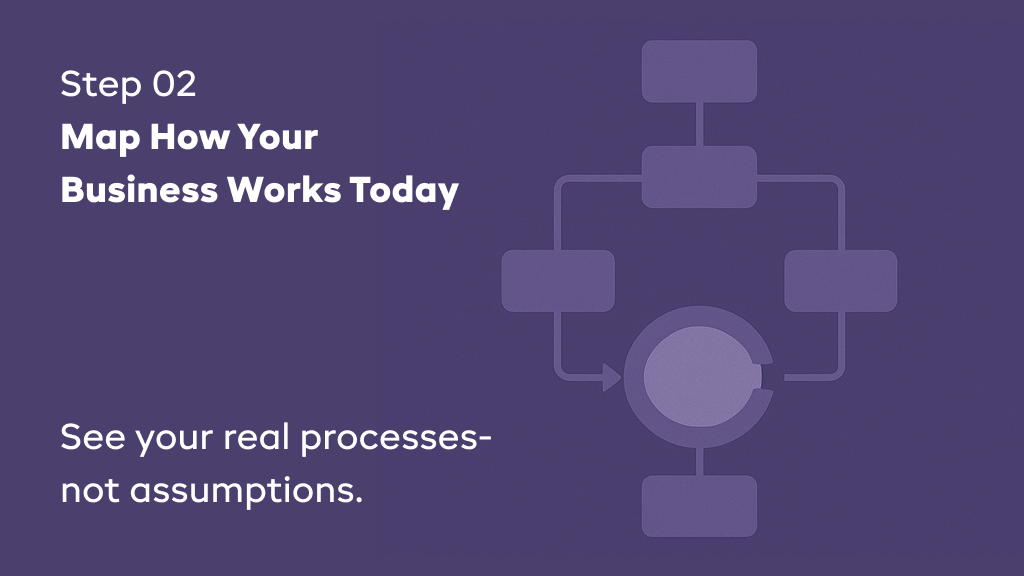
Once you’re clear on what you want to improve, the next step is understanding how your business processes currently run. Not how they’re written in SOPs, but how your team actually works every day. This is where hidden gaps, workarounds, and unspoken dependencies begin to surface.
During this stage, we walk through your current workflow, including sales, purchasing, stock movement, approvals, accounting, and customer service, to see the real picture. You will often hear your team saying at this stage, “We know this part takes too much time,” or “We always cross-check this in Excel before moving ahead.”
These conversations reveal the practical challenges your team faces, which will help with ERP configuration.
What business queries are answered in this step?
- What steps does your team follow to complete everyday tasks?
- Where delays, manual work, or double-checking are happening?
- Which teams rely on each other without a clear workflow?
- What exceptions or edge cases appear frequently?
- Which tools or sheets create confusion or duplicate effort?
Why does this step hold a huge value in your ERP implementation?
A good ERP system mirrors your real operations.
When you thoroughly map your current processes, you avoid surprises later in the implementation.
You also give your team a shared understanding of how things work today, which makes future changes easier to adopt.
Step 3: Convert Your Business Challenges Into Clear ERP Requirements
Once you understand how your business operates, the next step is to identify where your processes need improvement. Your ERP requirements are not just a copy of your current processes. You need to ensure that your processes, with ERP implementation, emerge from the limitations, inconsistencies, and manual gaps you want the ERP to eliminate.
At this stage, we review each workflow to understand what slows your team down and what creates confusion or dependency. These inefficiencies help you define the behaviors, rules, and automations the ERP should support.
This is the stage where practical observations come out, such as “This approval takes too long,” or “We maintain this data outside the system,” or “We follow this workaround only because we don’t have a structured process.”
These real-world comments give you a clear view of the adjustments your new system needs to introduce.
What business queries are answered in this step?
- Which tasks create delays or duplicate effort?
- Where information becomes inconsistent or unreliable?
- Which approvals depend on constant reminders or manual checks?
- Which processes rely heavily on specific individuals?
- Which steps can be automated without disrupting the workflow?
- What rules or validations should the ERP enforce?
Why is this step so important in your ERP implementation?
When your ERP requirements come directly from your operational challenges, the system naturally aligns with your day-to-day work.
Your ERP implementation partner gets a clear direction. Your departments understand what the ERP will solve. And the project moves forward with accuracy instead of assumptions.
Step 4: Prioritize What Matters the Most in Phase 1
Once you have a clear set of ERP requirements, the next step is choosing what to implement first. Not every need has the same urgency, and not every process should go live in the initial phase. The goal is to focus on the areas that create the highest impact with the lowest disruption.
At this stage of implementation, we begin ranking your requirements based on business value, user dependency, and operational sensitivity. You will often hear these statements from your teams, such as “If we fix this one part, everything else will move faster,” or “This can wait as long as the critical workflows go live smoothly.”
These conversations help you avoid overloading the first phase with too many changes.
What business queries are answered in this step?
- Which requirements are essential for your day-to-day operations?
- Which workflows bring the highest immediate value if optimized?
- Which processes have dependencies?
- Which improvements can wait without affecting productivity?
- Which areas are the safest starting points for your team?
Why does this step matter in your ERP implementation?
Prioritizing your requirements prevents unnecessary pressure during the early stages.
It helps your team adapt gradually. It reduces risks and avoids rework. And it ensures that the initial phase delivers visible results that build trust.
Step 5: Design the Workflow That Will Shape Your ERP
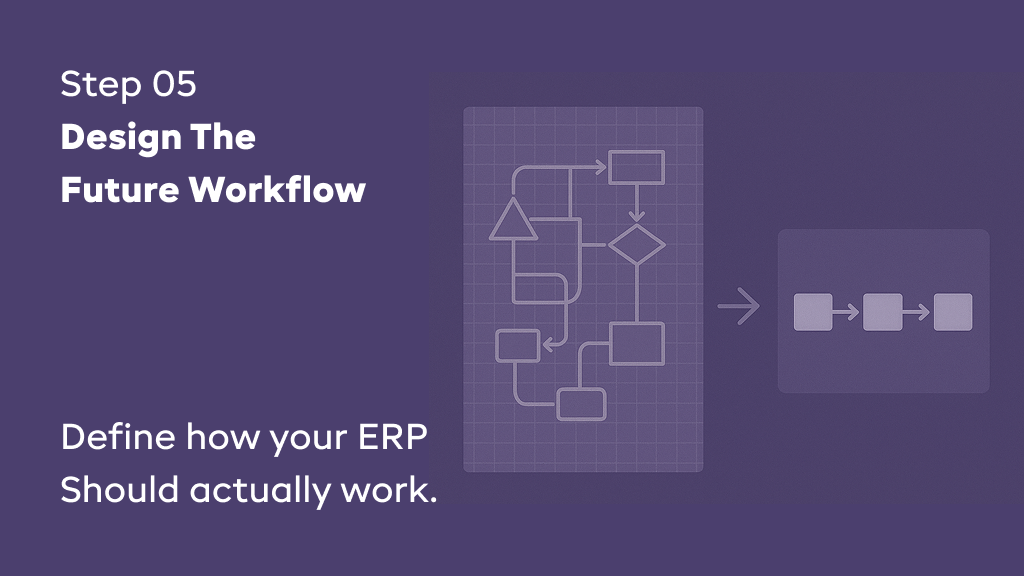
Once you know what to prioritize for phase 1, the next step is designing how those selected processes should function inside the ERP. This is where you define the future version of your workflow, the version that eliminates today’s delays, manual handovers, and scattered activities.
During this stage, we sit with each department to outline the exact actions, approvals, validations, and data flows that should happen inside the ERP. This is often when your team members say things like, “If this step can automatically notify the next person, that would help,” or “We should avoid extra fields here,” or “This approval needs a clear rule so it doesn’t slow us down.”
These discussions help you translate your requirements into structured workflows that the implementation team can configure accurately.
What business queries are answered in this step?
- What sequence should the ERP follow for each process?
- What information must the system collect or validate?
- Where is automation needed to reduce manual work?
- Which approvals need structure?
- Which exceptions need dedicated flows?
Why is this step vital in your ERP implementation?
This is the stage where your future processes take shape.
A well-designed workflow helps the configuration team build the system correctly the first time. It reduces unnecessary future revisions. And it ensures the new ERP reflects your real operations instead of forcing your team to adjust later.
Step 6: Build & Configure the ERP Based on Your Finalized Workflows
Once your workflows are designed and approved, the next step is building the ERP to match those workflows. This is where the system begins to take shape in a real, usable form. Your implementation team translates every action, rule, and approval you defined into actual configurations inside the ERP.
At this stage, each ERP module gets configured according to what your business needs, and not what the system offers by default. This often sparks conversations like, “This approval needs to route to a different person,” or “This calculation must match how we do it internally.” These adjustments are regular and expected, as the system is now being shaped around your real-world operations.
During this phase, your implementation partner also sets up user roles, access permissions, automations, validation rules, and any small customizations required to support your workflows.
What business queries are answered in this step?
- How should each module behave based on the workflow design?
- Which fields should be visible, required, or removed?
- Which actions should the system automate?
- What approvals need routing or conditional rules?
- Which roles need access to which parts of the system?
- What small customizations are needed to reflect real-life operations
Why is it necessary to have this step in your implementation journey?
This is where your ERP becomes usable.
Accurate configuration ensures the system behaves exactly the way your business works. It minimizes surprises during testing. And it gives your team a system that supports them instead of slowing them down.
Step 7: Test the New ERP System With Real Scenarios Before Your Teams Start Using It
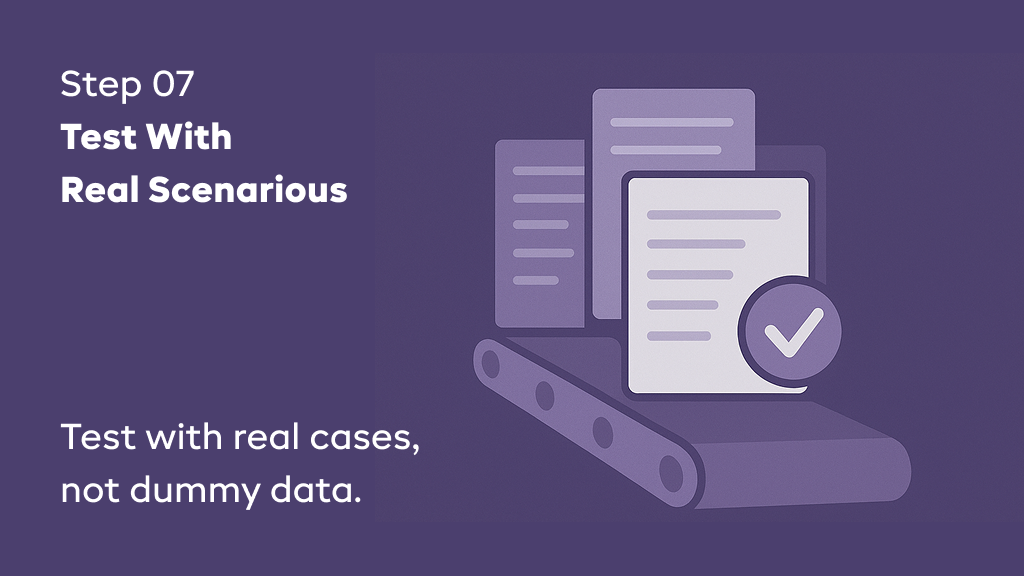
Once the ERP is configured, the next step is testing it with real-life examples from your daily work. This stage is not about checking if screens open correctly. It’s about making sure the ERP can handle real situations the way your team expects it to.
During this step, we take actual cases from your operations, such as a complete sales order, an inventory transfer, a purchase approval, a return request, or a payment entry, and run them through the new ERP system. This is often when actual system users say things like, “This part works, but we need a clearer message here,” or “This calculation needs to match our internal method,” or “This step would be easier with one more validation.”
These observations help your implementation team to refine the system early, before your entire team begins using it in live operations.
What business queries are answered in this step?
- Can the ERP support everyday tasks without extra effort?
- Do the workflows feel logical and easy to follow?
- Are approvals, calculations, and messages aligned with how you actually work?
- Does the system capture the right information?
- Does your new ERP catch errors before the process moves forward?
- Are there any steps that create confusion or unnecessary delays?
Why does this step hold equal importance in your ERP implementation?
Testing reveals gaps before the system becomes part of daily work.
It helps you make adjustments while the ERP is still in the testing stage. It reduces user frustration during rollout. And it ensures your team starts with a stable, predictable system on Day 1.
Step 8: Train Your Teams on Workflows They Will Use Every Day
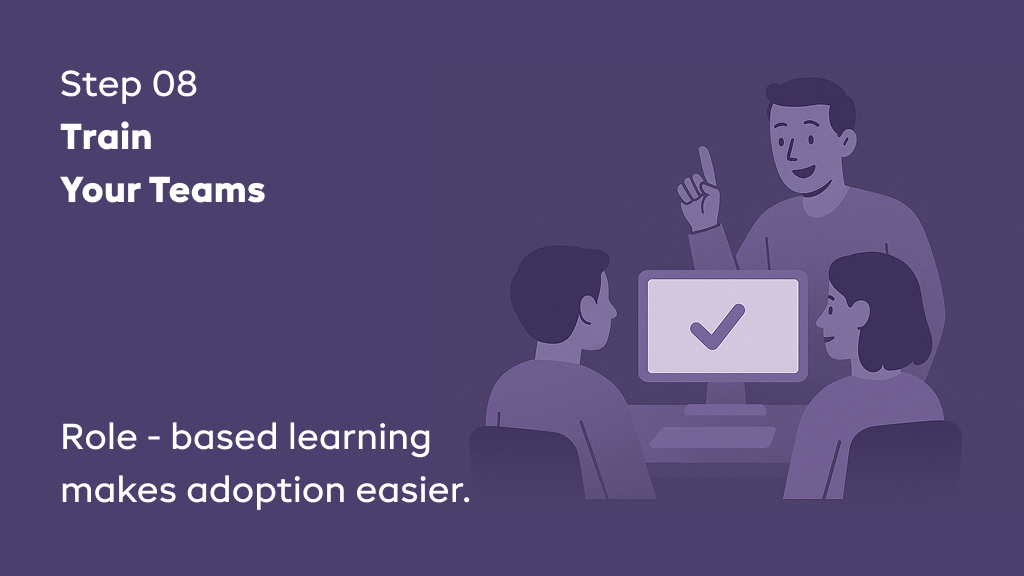
Once the system has been tested in real-world scenarios, the next step is to train your teams on the exact workflows they will use within the ERP. Training is not about walking everyone through every feature. It’s about helping each department understand what they need to do, how they need to do it, and why specific steps exist.
During this stage, participation of ERP implementation partner, like Uncanny, plays a huge role. Teams like us keep the training practical and role-based. Sales teams learn only what they will use. Purchase teams practice their part of the workflow. Finance teams walk through reconciliation, invoicing, or approvals. Your team using it might say share their observations like, “This step is easier than before,” or “We didn’t know the system could automate this,” or "This part needs a little more clarity.”
These reactions help you identify where instructions need to be simpler, where permissions may require adjustments, or where minor refinements might make daily work more efficient.
What business questions are answered in this step?
- Are users comfortable with their part of the workflow?
- Does the ERP reduce their manual work?
- Are instructions and messages clear for daily tasks?
- Is any step confusing or requiring additional explanation?
- Do users need additional permissions or simplified options?
Why is this step of much importance in your ERP implementation?
Training builds confidence among your team members before the ERP becomes part of their daily work.
It helps users understand their responsibilities clearly. It reduces resistance to change. And it ensures your teams enter the go-live stage with the knowledge they need to succeed.
Step 9: Roll Out the ERP in Phases and Support Your Teams Through the Transition
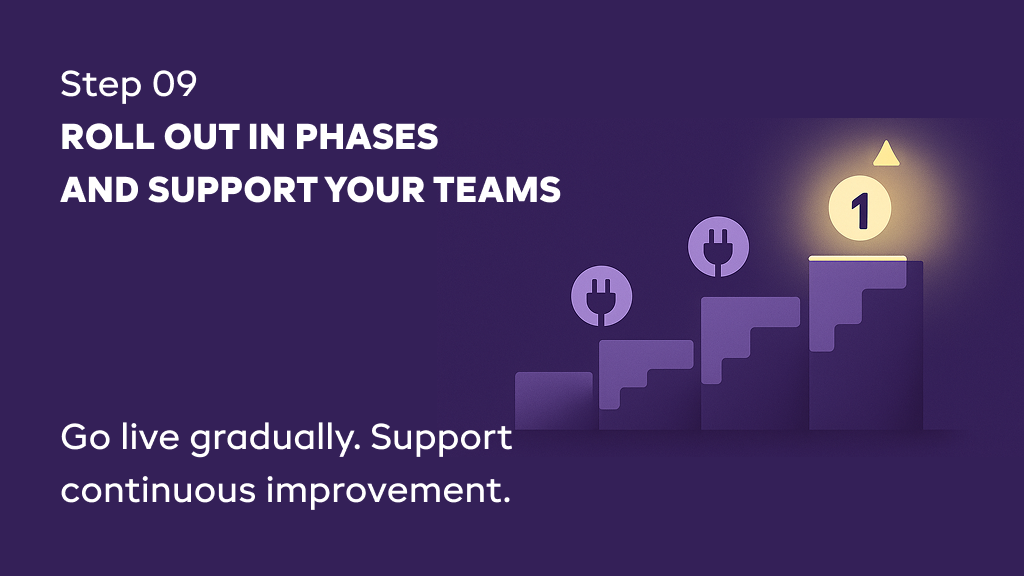
Once your teams are trained and the ERP is stable through testing, the next step is to bring the system into daily operations. Instead of switching everything on at once, you roll out the ERP in phases. This approach helps your teams adapt gradually while keeping operations steady.
You begin by activating the most essential workflows. Your teams start using the system for their real tasks. This is usually when you hear comments such as “This step works better now,” or “We are getting a clearer message now,” or “This field looks simplified now.” These early insights help refine the system quickly before expanding into the next set of processes.
During this transition, we support your teams as questions come up, guide them through unfamiliar steps, help resolve operational blockers, and ensure no one feels stuck during the early days of adoption. This hands-on support is often what makes the difference between a smooth rollout and a stressful one.
What business queries are answered in this step?
- What needs further refinement once teams start using the system daily?
- Where do users need support from the ERP partner?
- When should we expand into the next set of workflows?
- How do we keep operations stable during the transition?
Why are the learnings from this step so crucial in your ERP implementation?
Because it reveals what works, what needs attention, where your teams need support, and gives you a clear view of the refinements required to turn your ERP into a system your teams can rely on every day.
If you’re wondering how these steps come together in a real project, here’s a clear example from our work.
Not sure where to start? We can help.
ERP implementations feel complex until someone breaks it down into 9 simple steps. Let us guide you through your next move.
Schedule a discovery call

About Author
Sanjay Gohel is the Head of Department – Odoo at UNCANNY Consulting Services, specializing in ERP implementation, Odoo development, and software solutions. He helps businesses improve efficiency through customized ERP systems designed to streamline workflows and support operational excellence.


Sanjay Gohel is the Head of Department – Odoo at UNCANNY Consulting Services, specializing in ERP implementation, Odoo development, and software solutions. He helps businesses improve efficiency through customized ERP systems designed to streamline workflows and support operational excellence.