The Data Migration Process in ERP: A Step-by-Step Odoo Implementation Guide
Published on January 20th 2026
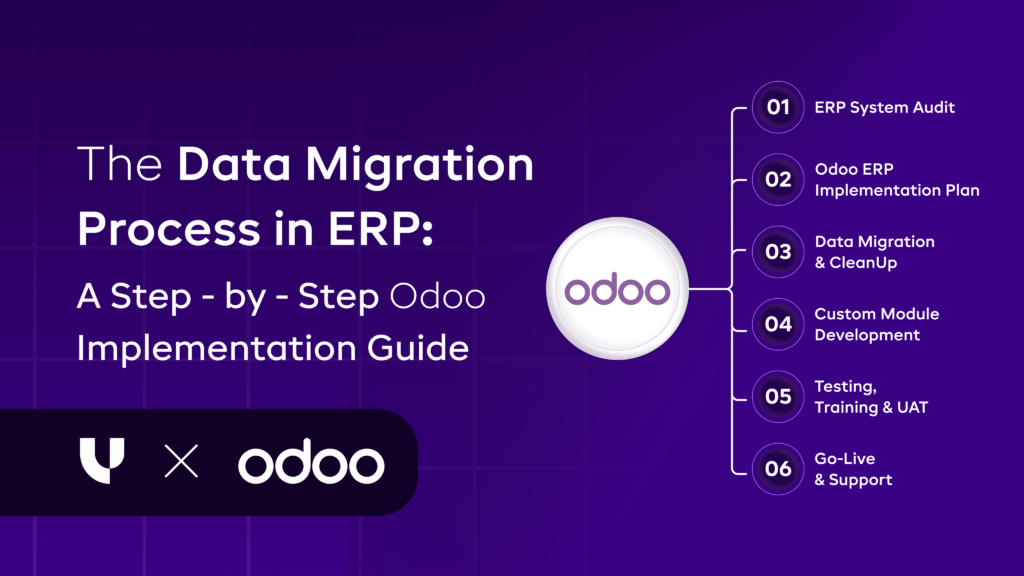
ERP Data Migration Process: A Step-by-Step Guide
Here is a clear, step-by-step view of how data moves from legacy systems to your new ERP, covering preparation, validation, and post-migration checks to ensure accuracy, continuity, and minimal business disruption.
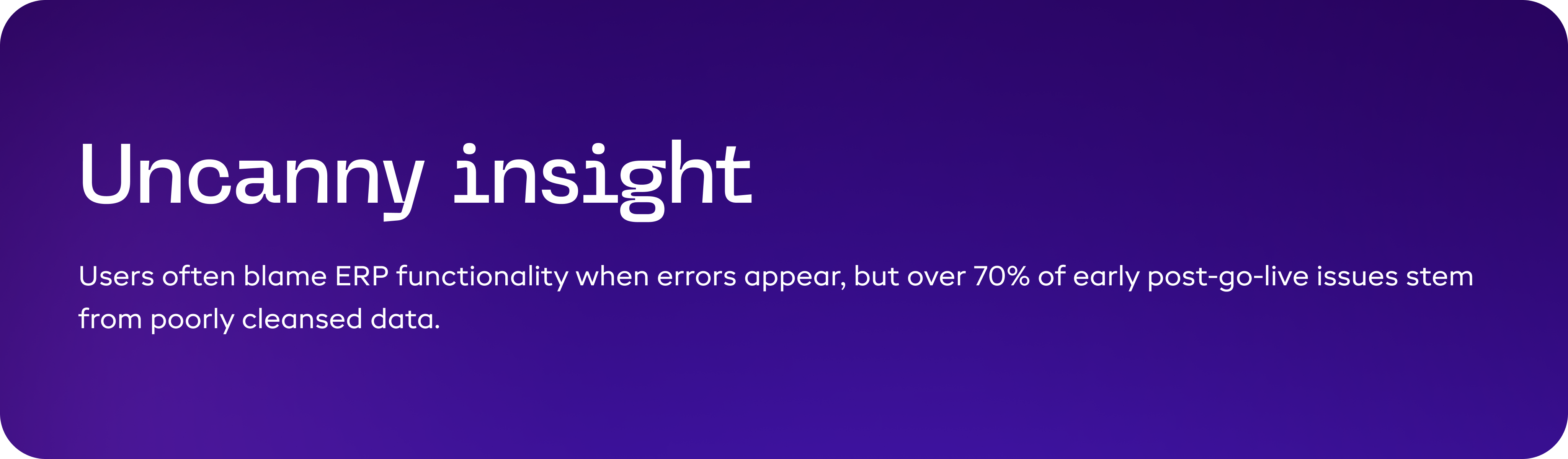
Step 1: Data Assessment & Audit - Defining What the Business Actually Needs
Every ERP migration begins with a basic but often overlooked question:
What data does the business actually need to operate and make decisions today?
Over time, legacy systems accumulate large volumes of data, some useful, some outdated, and some kept only because no one ever reviewed it. Migrating everything may feel safe, but it usually creates more problems than it solves. It increases migration effort, slows testing, and makes the new ERP harder to use from day one.
This step exists to separate business-critical data from data that only adds noise.
What this step focuses on
Data assessment is not a technical scan of databases. It is a business-led review of how data is used across finance, operations, sales, and compliance.
At this stage, teams look at:
- Which data is required to run daily operations immediately after go-live
- Which data is required for statutory, audit, or regulatory purposes
- Which data exists only because it was never cleaned or reviewed
- Which reports depend on this data today
These discussions often surface inconsistencies in how different teams view the same data, making this step critical for alignment.
How the assessment is carried out
Data is reviewed in broad categories because each category serves a different purpose.
- Operational data such as customers, vendors, items, inventory balances, and open transactions is checked for current usage. Only records that actively support ongoing operations are shortlisted for migration.
- Financial and statutory data is reviewed to determine what must be available inside the ERP versus what can be archived and accessed separately for audits or historical reference.
- Legacy and reference data, inactive customers, obsolete items, and one-time vendors are examined closely. This is where most unnecessary data is usually found.
Legacy and reference data, inactive customers, obsolete items, and one-time vendors are examined closely. This is where most unnecessary data is usually found.
A common example from ERP projects
In many mid-sized businesses, customer and item masters grow unchecked for years.
During one data audit:
- A large portion of customers had no transactions in the last three years
- Thousands of items were no longer sold or stocked
- Multiple versions of the same vendor existed due to inconsistent naming
Migrating all of this data would have made the ERP harder to navigate and increased confusion for users. Limiting migration to relevant records resulted in cleaner reports and faster adoption.
What the business gains from doing this well
When data assessment and audit are done properly:
- Migration scope becomes smaller and more manageable
- Testing becomes faster and more reliable
- Reports in the new ERP are clearer and more relevant
- Users trust the data sooner, which improves adoption
Step 2: Data Extraction - Pulling Data Without Breaking Daily Operations
Once the relevant data is identified in the audit stage, the next challenge is getting it out of existing systems safely and completely. Data extraction is not just about exporting files; it is about ensuring that critical business data is pulled accurately, consistently, and without disrupting ongoing operations.
Many ERP migrations face early setbacks here because extraction is treated as a technical task rather than a business-critical activity.
Why this step matters
Operational systems are usually still active when extraction begins. Sales orders are being created, invoices are being posted, and inventory levels are changing daily. Poor extraction planning can result in:
- Missing transactions
- Partial historical records
- Mismatched balances between old and new systems
This creates trust issues even before the new ERP goes live.
What actually happens during data extraction
Data is pulled from multiple sources, not just one system. These often include:
- ERP or accounting software
- CRM tools
- Inventory or warehouse systems
- Spreadsheets maintained outside core systems
Each source may store data in different formats and update cycles. The goal is to extract complete and consistent datasets that reflect a clear business snapshot.
For example, financial data usually needs to be extracted up to a specific cut-off date, while master data like customers or products may need the latest version.
How extraction is typically approached
Extraction is usually done in controlled phases:
- Static data extraction for master data that does not change frequently
- Transactional data extraction aligned with defined cut-off periods
- Incremental extracts to capture changes made after the initial pull
This phased approach reduces risk and avoids operational downtime.
Common challenges seen during extraction
Some practical issues that often surface:
- Data stored in custom fields with no documentation
- Inconsistent date formats and currencies
- Historical data locked in legacy systems with limited access
- Manual spreadsheets that differ from system records
What a successful extraction achieves
When done correctly, this step ensures:
- No loss of critical historical or transactional data
- Clean handoff to the cleansing and transformation stages
- Alignment between operational reality and extracted records
Most importantly, it creates confidence that the new ERP is being built on complete and trustworthy data, not assumptions.
Step 3: Data Cleansing & Standardization – Fixing Issues Before They Enter the ERP
After extraction, the data often contains inconsistencies, duplicates, and missing information. Legacy systems tolerate these problems, but ERPs do not, especially when implemented through structured Odoo implementation services that rely on clean master data. Cleansing and standardization ensure that only accurate, uniform, and complete data enter the new system.
Why this step matters
Poor-quality data entering an ERP leads to immediate problems:
- Financial reports that don’t match reality
- Inventory records that don’t reconcile
- Users losing trust in the system
By cleansing data before migration, businesses avoid costly corrections after go-live and improve user adoption.
How cleansing and standardization are done
- Duplicate removal: Identify repeated customers, vendors, or items and merge them into a single record.
- Consistency enforcement: Standardize units of measure, currencies, product codes, and naming conventions.
- Completeness checks: Ensure mandatory ERP fields are filled correctly.
- Validation rules: Apply business rules to detect outliers, invalid values, or data that does not comply with ERP standards.
Example: A company had “KG,” “KGS,” and “Kilogram” across its product database. Without standardization, inventory valuation would have been inconsistent, causing financial reporting errors.
What this step achieves
- Accurate reports from day one
- Reduced user confusion
- Lower support effort post go-live
Step 4: Data Mapping & Transformation – Aligning Legacy Data With ERP Structure
Legacy data reflects old processes. ERP requires structured, standardized data to support optimized workflows. Directly importing data without mapping causes:
- Broken workflows
- Misaligned reports
- User frustration
Mapping ensures the ERP functions according to current and future business needs.
What happens during this step
- Field mapping: Decide how each legacy field maps to ERP fields.
- Data transformation: Merge, split, or reformat data to fit ERP requirements.
- Relationship alignment: Maintain links between customers, orders, invoices, and payments.
- Business logic adjustment: Replace legacy workarounds with ERP-standard workflows.
Example: A single “order status” in the old system may need multiple ERP statuses for fulfillment, billing, and shipping.
Key mapping considerations
| Legacy Field | ERP Field | Transformation Needed |
|---|---|---|
| Order Status | Fulfillment, Billing, Shipping Status | Split into multiple fields |
| Customer Type | Customer Class & Pricing Rules | Map to separate fields |
| Inventory Unit | ERP Unit & Category | Standardize units |
Outcome:
- Functional ERP workflows
- Accurate reporting
- Reduced manual corrections post go-live
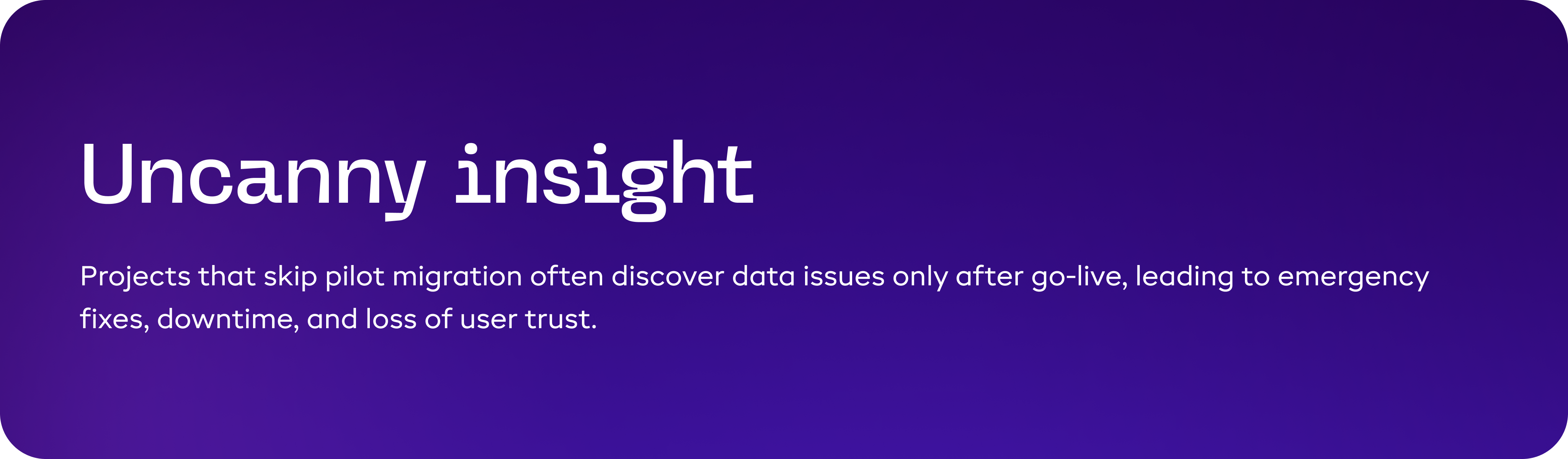
Step 5: Test Migration (Pilot Load) - Validating With Real Data
Even with careful assessment, extraction, cleansing, and mapping, real data often behaves differently in the ERP than expected.
Pilot migration is essentially a “dress rehearsal” that exposes hidden issues before the full go-live:
- Broken links between transactions and master data
- Discrepancies in financial balances, inventory valuation, or sales data
- Errors in custom fields, workflows, or business logic
- Misalignment in reporting outputs
Skipping this step is one of the top reasons ERP projects face major post-go-live issues.
How the pilot migration is carried out
1. Select a representative dataset
- Include key modules like finance, inventory, sales, and procurement.
- Ensure the sample contains all transaction types, active customers/vendors, and recent inventory movements.
2. Execute migration on a test environment
- Load the data using the same rules and transformations planned for full migration.
- Track any errors, warnings, or inconsistencies flagged by the ERP.
3. Validate key reports and balances
- Trial balances, AR/AP aging, open sales/purchase orders, and inventory valuation.
- Compare results against legacy system numbers.
4. Identify and resolve issues
- Adjust field mappings, transformations, or cleansing rules as required.
- Repeat pilot migration until all critical discrepancies are resolved.
Common issues uncovered in pilot migrations
| Area | Typical Problem | Pilot Fix |
|---|---|---|
| Inventory | Incorrect valuation due to rounding differences | Adjust transformation rules |
| AR/AP | Missing links to customer/vendor records | Correct field mapping |
| Finance | Trial balance mismatch | Reconcile and adjust mappings |
| Reports | Totals not matching legacy reports | Refine data transformation logic |
Outcome for the business
- Provides confidence in the accuracy of the migration plan
- Reduces risk of post-go-live surprises
- Offers a proof point for stakeholders that the ERP will reflect real operational and financial data
- Helps teams adapt workflows and reporting before full migration
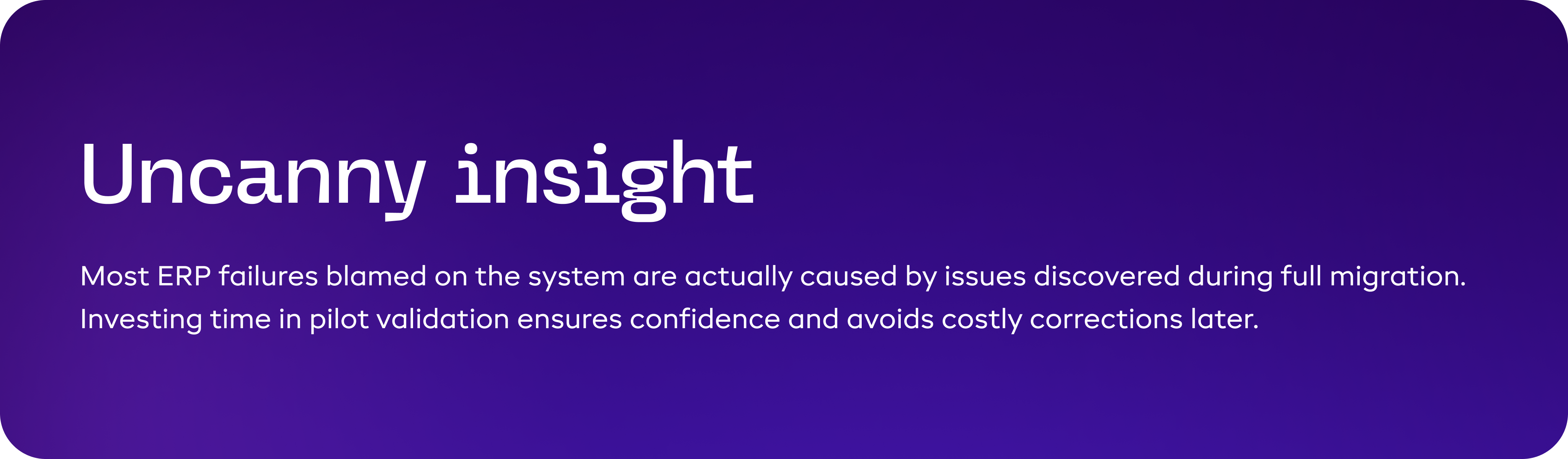
Step 6: Complete Migration & Validation – Ensuring Accuracy on Day One
This is the make-or-break stage. The full migration moves all cleaned, mapped, and tested data into the live ERP environment. Mistakes here directly affect:
- Financial statements and compliance reporting
- Inventory accuracy and operational decisions
- User confidence and adoption rates
Decision-makers must treat this as a business-critical operation, not just a technical task.
How full migration is executed
1. Final preparation
- Freeze legacy system updates (cut-off date) to prevent transactional discrepancies.
- Confirm final mappings, transformation rules, and validation checks from the pilot migration.
2. Data load into ERP
- Execute the full migration using validated rules.
- Migrate master data first (customers, vendors, items), then transactional data (invoices, orders, payments).
3. Validation & reconciliation
- Validate financial totals, balances, and inventory against legacy systems.
- Review open transactions (AR, AP, sales, purchase orders) for completeness.
- Confirm master data consistency (customers, vendors, items).
4. Business sign-off
- Finance, operations, and key stakeholders review critical data.
- Any discrepancies are resolved before the ERP is officially operational.
Common challenges during full migration
| Risk | Potential Impact | Mitigation |
|---|---|---|
| Missing transactions | Operational disruption | Re-run migration for affected modules |
| Misaligned AR/AP balances | Financial reporting errors | Reconcile and adjust data |
| Inventory mismatches | Operational inefficiencies | Physical count + ERP adjustment |
| Workflow failures | User adoption issues | Validate and adjust mappings/workflows |
Outcome for the business
- ERP goes live with accurate and complete data
- Stakeholders trust operational and financial numbers
- Reduces post-go-live support tickets and manual corrections
- Enables smooth adoption and process continuity
Step 7: Post-Migration Monitoring & Optimization - Sustaining ERP Value Over Time
Even after a successful migration, the work isn’t over. ERP success depends on maintaining data quality, monitoring system usage, and optimizing workflows. Without this step:
- Small errors in data can snowball into major operational issues
- Users may create shadow systems or workarounds, reducing ERP adoption
- Reporting accuracy declines, impacting strategic decisions
This step ensures the ERP remains trusted, reliable, and scalable long after go-live.
How post-migration monitoring is done
1. Early transaction review
- Monitor initial transactions for errors or inconsistencies
- Compare ERP outputs with expected business results
2. Data governance enforcement
- Define roles and responsibilities for maintaining master data accuracy
- Regularly validate mandatory fields, duplicates, and formatting standards
3. Workflow and process optimization
- Track actual system usage against intended workflows
- Identify bottlenecks or inefficiencies
- Make iterative adjustments to improve productivity
4. KPI and reporting validation
- Ensure key financial, operational, and compliance reports are accurate
- Adjust data structures or reporting logic as needed
Common post-migration issues and corrective actions
| Issue | Potential Impact | Recommended Action |
|---|---|---|
| Mis-categorized inventory | Incorrect reporting, stock issues | Review and correct master data |
| Duplicate or missing customers/vendors | Billing or AR/AP errors | Enforce validation and cleanup rules |
| User workarounds | Reduced ERP adoption | Provide training and optimize workflows |
| Reporting discrepancies | Misguided decisions | Adjust reports and validate with stakeholders |
Outcome for the business
- Stable ERP operation: Data remains accurate and reliable
- Improved efficiency: Optimized workflows reduce manual effort
- High user confidence: Stakeholders trust the system, ensuring adoption
- Scalability: The system supports growth without recurring issues

About Author
Delivery Head at Uncanny Consulting Services. With 10+ years of experience across ERP, eCommerce, and AI, Jigar has delivered 100+ projects in 15+ countries. Follow him on LinkedIn for expert insights on Odoo, Shopify, and digital transformation.

Delivery Head at Uncanny Consulting Services. With 10+ years of experience across ERP, eCommerce, and AI, Jigar has delivered 100+ projects in 15+ countries. Follow him on LinkedIn for expert insights on Odoo, Shopify, and digital transformation.