5 Free Tools To Check SERP Rankings on Google [2027 Updated]
Read by: 0
Kamlesh Devaliya
VP sales & Marketing
Kamlesh Devaliya is the Vice President of Sales & Marketing at UNCANNY Consulting Services, specializing in SEO, Generative AI, AI/ML, and digital growth strategies. He helps businesses strengthen their online presence and leverage emerging technologies to achieve sustainable growth.
Published on October 7th 2026
![5 Free Tools To Check SERP Rankings on Google [2027 Updated]](https://uncannycs.com/blog/wp-content/uploads/2026/10/5-Free-Tools-To-Check-SERP-Rankings-Banner-Image-3x-1024x576.webp)
Overview
A few years back, checking your Google ranking meant opening an incognito tab, typing your keyword, and counting results by hand. Most of us have done it. Most of us also got the wrong answer, because Google was still tailoring what we saw. This guide walks through five Google rank checker tools you can start using for free, what you really get from each one, and what to fix once the numbers come in.
Introduction
Being on page one used to feel like the finish line, but it isn't anymore.
According to First Page Sage, the top organic result on Google pulls in roughly 39.8% of clicks, and position three gets around 10%.
Read that again… slip two spots, and you lose three out of every four clicks.
Rankings rarely crash overnight. They slip by a position here, two there, and nobody on the team notices until someone asks why the contact form has gone quiet.
Free rank tracking tools are how you catch that slide while it's still small. Therefore, this blog takes a closer look at the top 5 free tools to check SERP rankings on Google in 2027. Let’s get started.
Tools To Help You Find Your Google Search Ranking
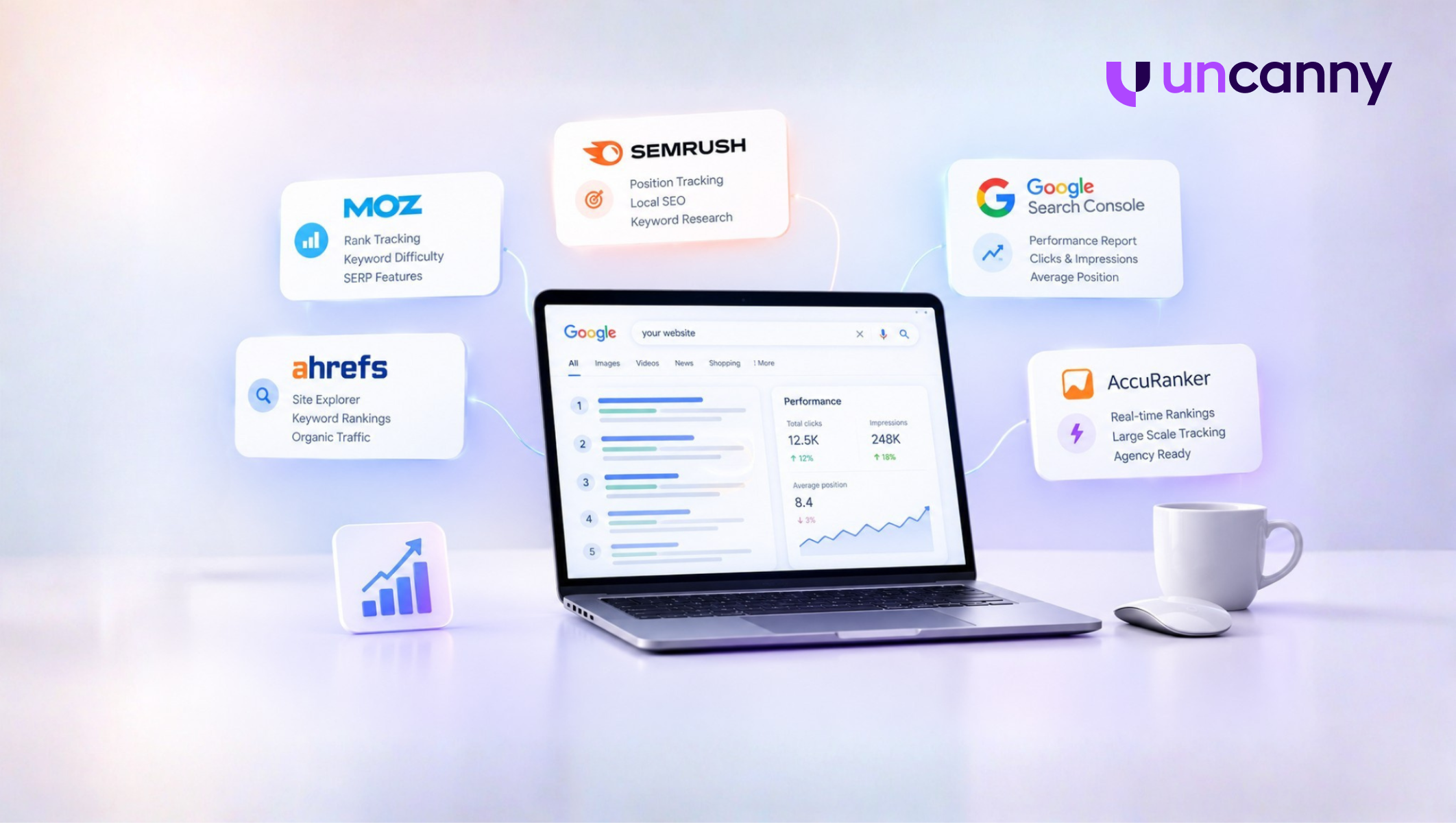
Quick heads up: "Free" means different things here. Three of these tools give you something free to keep, one is a free trial, and one is a paid tool you can only test-drive.
#1 Moz
Moz has been in SEO longer than most of its competitors, and its rank tracker sits inside Moz Pro. New users get a 30-day free trial covering rank tracking, keyword difficulty, and SERP feature tracking.
Once the trial ends, a free Moz account still gives you a handful of monthly lookups in Keyword Explorer, but the tracking stops.
Our advice? Don't start the trial on a random Tuesday. Start it right before a site migration or a big content push, when a month of daily data actually tells you something.
#2 Semrush
Semrush's free account caps Position Tracking at 10 keywords in one project. That sounds tiny, and for a large ecommerce store, it is. Still, you get daily updates and local tracking down to the ZIP code, which most free tools don't offer.
You also get 10 analytics requests a day for domain overviews and keyword research.
For a local dentist or plumber, 10 well-chosen keywords is often all the tracking they'll ever need.
#3 Ahrefs
Ahrefs Webmaster Tools works a little differently. You verify site ownership, and it shows every keyword it has found your pages ranking for, along with the position and a rough estimate of the traffic each one sends.
That flips the usual process. Instead of guessing which keywords to track, you see what's already working, and quite often it isn't what you expected. It's not unusual to find that your best-performing page is a two-year-old blog post nobody remembers writing.
#4 Google Search Console Tool
Search Console is free, and the data comes from Google itself, which already makes it the most trustworthy Google position checker on this list. Its Performance report shows clicks, impressions, CTR, and average position for every query your site shows up for.
Just don't read "average position" as the spot you hold. It's an average across every search, device, and location over the date range you pick. A keyword sitting at 8 could be at 3 for mobile users in Dallas and 15 for desktop users in Seattle. Filter by country and device before drawing any conclusions.
#5 AccuRanker
Let's be upfront: AccuRanker has no free plan. You get a free trial, and after that, pricing starts at about $224/month.
So why is it here? If you manage dozens of client sites or track thousands of keywords, the free tools above will run out of road fast. AccuRanker refreshes rankings on demand, and that speed is what agencies are paying for.
Which brings us to the obvious question. What's the best free rank tracker? Honestly, none of them alone. Pair Search Console with Semrush or Ahrefs, and you'll have a better setup than plenty of paying users do.
Benefits Of Using A Keyword Rank Checker Tool
Tracking by hand holds up for maybe a week. After that, you've got 30 keywords across three cities, and Google is showing you a slightly different page each time based on your search history. Having a reliable tool reduces that effort.
a. Keyword-Oriented Multi-Features
A position number on its own tells you very little. Most Google rank checker tools put it next to search volume, difficulty, the SERP features showing for that query, and the competitors ranked above you.
That context changes the decision. Ranking 12th for a keyword nobody searches is fine. Ranking 12th behind a featured snippet and two Reddit threads is a different problem altogether.
b. Immediately Available Results:
With daily tracking, a drop shows up the morning after it happens. Without it, you usually find out at month-end, when traffic is already down, and you're working backward to figure out what changed. By then, the competitor who overtook you has had weeks to settle in.
c. Faultless Outcomes:
When you search using Google position checker tools yourself, the results bend around your location, your history, and whether you're signed in. Rank checkers run their searches from fixed locations without any of that, so the number reflects what a fresh searcher would see.
No free rank tracking tools are 100% accurate. It still beats trusting your own browser, which is basically Google telling you what it thinks you want to hear.
d. Multiplatform Reporting
Mobile and desktop rankings don't always match, and neither do rankings from one city to the next. A decent tracker splits these out and turns them into reports you can send straight to a client or your boss. No more rebuilding the same spreadsheet every Monday morning.
e. Easy to Use
Most tools are effortlessly set up and take a few minutes. Add your domain, paste in your keywords, pick a location, and you're done.
The harder part is choosing which keywords deserve a slot, especially on a free plan that only gives you 10.
Ways to improve your Site’s Keyword Ranking
Knowing your position is half the job. Moving it is the other half, and that's where most sites stall. Here's where we'd start with the free rank tracking tools.
Use the right keywords in your title and content:
Google has to understand a page before it can rank it. Your main keyword belongs in the title tag, the H1, and somewhere in the first hundred words or so. After that, write naturally and let related terms show up on their own.
Repeating the exact phrase fifteen times won't help. Readers notice right away, and Google stopped falling for that trick years ago.
Add keywords to existing content:
Open your tracker and filter for anything ranking between positions 11 and 20. These pages are close. Google already sees them as relevant; they just aren't the strongest answer yet.
Add a section covering what the top results miss, tighten the intro, swap out old stats. Pages like these often climb onto page one within a few weeks, without you publishing anything new.
Create new content that is relevant to your target audience:
Look at what your customers keep asking. Sales calls, support tickets, even comments under your social posts are full of searchable questions your site doesn't answer yet.
Write for those. A page that genuinely solves someone's problem tends to hold its ranking long after keyword-first content starts sliding.
Concentrate on the user experience:
When a visitor clicks your result and bounces straight back to Google, something went wrong. Usually the answer was buried, the page was a wall of text, or a pop-up got in the way before they read a single line.
Picture a store where the aisles have no signs. People don't stick around to figure it out. They walk across the street.
Improve page speed:
Speed has a direct line to revenue. In a Deloitte study commissioned by Google, a 0.1-second improvement in mobile load time increased conversions by 8.4%.
Start with the basics: compress your images, cut scripts you don't use, and open the Core Web Vitals report in Search Console to see which pages Google has flagged. A fast page won't rescue thin content. A slow one, though, can drag down a really good one.
Want to start a project with us?
Empowering businesses to achieve greatness through strategic guidance and innovative solutions.
Book A Demo
FAQs
Q. What is the best free rank tracker?
For most sites, Google Search Console, since it covers every query you appear for and costs nothing. If you want to watch a fixed list of keywords, add Semrush's free plan or Ahrefs Webmaster Tools on top.
Q. Is Google Search Console a reliable Google position checker?
Yes, the data comes straight from Google. Keep in mind it shows an average position across devices and locations, so filter before you read too much into one number.
Q. Why do different tools show different rankings?
Each tool checks Google at a different time, from a different location, sometimes on a different device. Results also shift through the day. Pick one tool as your source of truth and watch the trend over weeks.
Q. How often should I check my keyword rankings?
Once a week works for most sites. Check daily during a migration, a redesign, or the first couple of weeks after a Google core update.
Q. Are free rank tracking tools accurate?
Yes, these tools are 100% accurate for showing your current position. However, they're very limited for keyword tracking.
About Author
Kamlesh Devaliya is the Vice President of Sales & Marketing at UNCANNY Consulting Services, specializing in SEO, Generative AI, AI/ML, and digital growth strategies. He helps businesses strengthen their online presence and leverage emerging technologies to achieve sustainable growth.