The Best Odoo Alternative for Replacing Asana, Notion, and QuickBooks
Published on September 8th 2026

Overview
Most growing businesses don't choose a complicated software stack on purpose. One tool handles accounting, another project management, and another keeps internal information organized.
By 2024, companies were using an average of 106 SaaS applications, according to BetterCloud's 2025 State of SaaS report.
Introduction
Asana, Notion, and QuickBooks each solve a different problem. The trouble starts when the business needs those problems to connect.
- A project may affect billing.
- A customer order may affect inventory.
- Financial information may need to be checked against sales or purchasing data.
When those activities sit in separate applications, someone usually has to move information from one system to another.
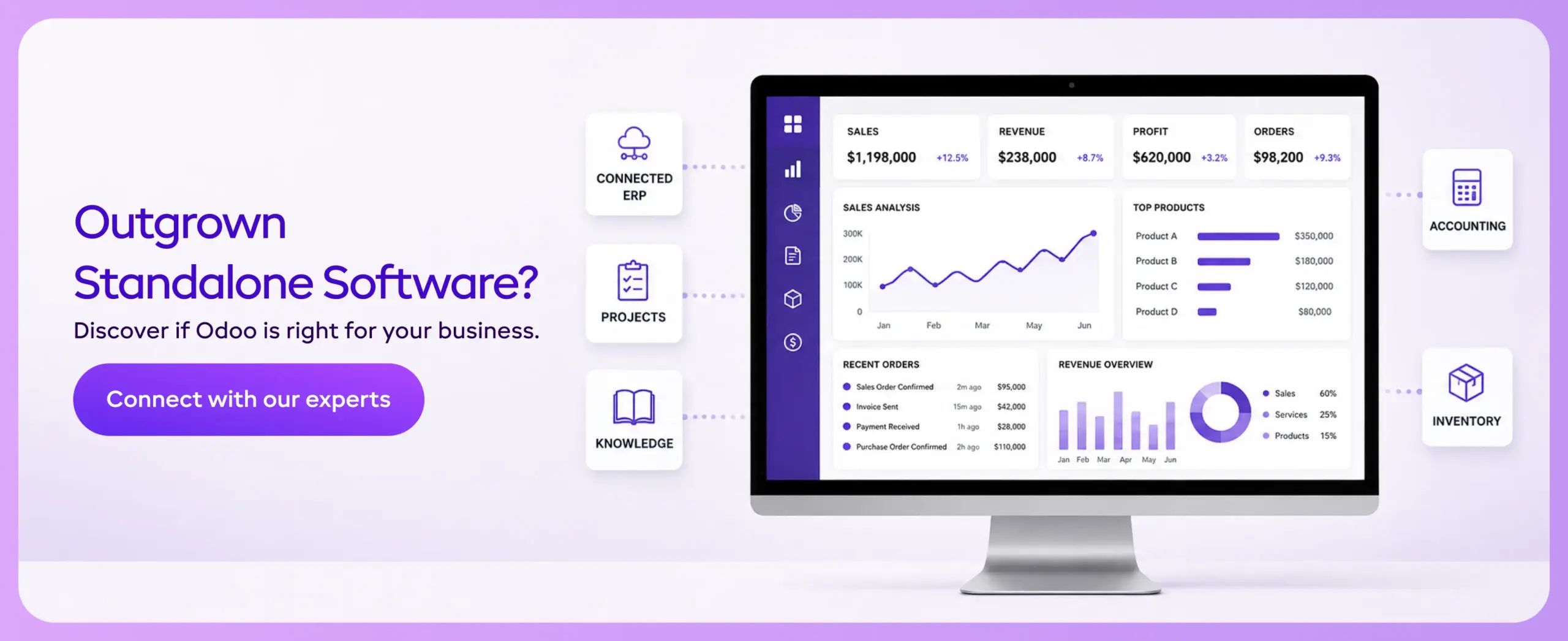
Odoo takes a different approach. Its accounting, project management, knowledge, sales, inventory, and other business applications are designed to work from the same platform.
That doesn't automatically make Odoo the right replacement for every tool.
The real question is whether bringing these functions together makes more sense for your business than continuing with separate applications.
What Is an Odoo Alternative?
An Odoo substitute is a different business software platform that can perform some or all of Odoo's functions. The key point is that these platforms aren't built with the same purpose in mind.
For instance, QuickBooks focuses on accounting services, whereas Asana is a platform for managing project workflows. In addition, other business software such as Bitrix24, NetSuite, or Microsoft Dynamics 365 performs certain business tasks.
So when someone searches for an Odoo alternative, they first need to work out what they are actually trying to replace. A company looking for better accounting software will have a very different shortlist from one trying to bring finance, sales, inventory, projects, and internal operations into one system.
Why Businesses Consider Odoo Alternatives
Odoo can cover a lot of ground, but not every business needs everything it offers. For some companies, a simpler tool may be enough. For others, the issue may be the time and effort required to implement an ERP.
Cost and Pricing
Consider Odoo's pricing in the context of what a business actually plans to use. A company replacing accounting, project management, CRM, inventory, and other separate tools may find value in bringing them together.
But if the requirement is only accounting or basic project management, paying for a wider business platform may not make much sense. That's where a focused product can sometimes be the more practical choice.
Complexity and Implementation
When looking for Odoo alternatives, you can’t overlook implementation. An ERP connects different moving parts of your business, unlike software dedicated to one operation. So, when planning for Odoo, consider whether it will include data migration, workflow changes, configuration, integrations, and user training.
For a company that needs that broader connection, the extra work can be worthwhile. A smaller business with straightforward requirements may prefer a tool that can be set up and used with less involvement.
Want to start a project with us?
Empowering businesses to achieve greatness through strategic guidance and innovative solutions.
Book A Demo
Best Odoo Alternatives for Growing Businesses
The best alternative depends on what you are trying to get out of the software. Bitrix24 makes more sense for a business looking for collaboration and CRM in one place, while NetSuite and Microsoft Dynamics 365 are built for much larger and more complex operations.
QuickBooks is different again. It is primarily an accounting platform, so it may be a better fit if replacing Odoo's broader ERP approach isn't the goal.
#1 Bitrix24
Bitrix24 brings CRM, communication, sales, and project management under a single application. It’s an effective option for growing teams that want one tool for project and customer management without opting for an ERP project.
#2 NetSuite
NetSuite is a cloud-based ERP system that primarily serves enterprises with more complex financial and operational needs. It includes functionalities such as order management, accounting, inventory management, procurement, and many more.
#3 Microsoft Dynamics 365
Microsoft Dynamics 365 provides a modular approach with applications for domains such as finance, supply chain, sales, customer service, and operations. The system may also work well within the Microsoft environment, a crucial requirement for companies that have other Microsoft-based applications such as Microsoft 365 and Azure.
#4 QuickBooks
QuickBooks is essentially an accounting program rather than an ERP. This makes it ideal for businesses without complex requirements, such as invoicing, bookkeeping, expense management, and accounting.
If you’re planning to integrate different standalone programs into one system for finances and operations management, QuickBooks may not offer the same scope as Odoo.
Odoo vs QuickBooks: Which Is Better for Growing Businesses?
Choosing between QuickBooks and Odoo is often straightforward when you look beyond the accounting department.
If your business needs solutions for managing invoices, payments, expenses, and reporting, QuickBooks may be sufficient since it doesn't require an ERP system. However, once accounting is closely integrated with inventory, production, sales, or distribution, you need an integrated system.
Accounting and Financial Management
QuickBooks' accounting function may be handy for companies that need only what bookkeeping provides.
The finance department can handle invoices, costs, payments, reconciliations, and financial statements without managing many operational modules.
QuickBooks’ Role in Finance Management
Odoo Accounting covers these areas as part of a much larger platform. A customer invoice can sit alongside the sales order that created it. A supplier bill can be linked to a purchase.
Inventory movements can also feed into the financial records. The finance team therefore has more context around where a transaction came from, rather than working with the accounting entry on its own.
Inventory and Business Operations
This is where scaling businesses start feeling the effects.
Think about a company that distributes products sourced from several different sources through several different channels.
While its finance department wants to see what was bought and sold, the operations department wants to see what was received and what needs replenishing. Coordinating these processes becomes difficult because each function operates in a separate system.
Odoo’s Role in Operations Management
Odoo puts accounting, inventory management, purchases, sales, warehousing, and other processes under one ERP roof.
QuickBooks can handle inventory management, but companies with more complex warehousing or supply chain processes may need additional software packages.
| Business Area | QuickBooks | Odoo |
|---|---|---|
| Accounting | Strong focus on accounting, invoicing, expenses, and reporting | Accounting connected with sales, purchases, inventory, and other operations |
| Inventory | Supports inventory management | Inventory connected with purchasing, sales, warehouse operations, and finance |
| Sales | Primarily connected to financial transactions | Sales orders can flow into invoicing and other business processes |
| Purchase | Purchase and expense tracking | Purchasing connected with suppliers, inventory, and accounting |
| Manufacturing | Not designed as a full manufacturing ERP | Manufacturing can be managed alongside inventory, sales, purchasing, and accounting |
| Overall approach | Accounting-first | Full ERP covering multiple business functions |
Can Odoo Replace QuickBooks?
Yes, Odoo can replace QuickBooks when a business wants accounting as part of a wider ERP rather than a standalone financial system.That does not make Odoo the obvious choice for every QuickBooks user. A small business that is comfortable with its current accounting setup may have little reason to take on an ERP implementation.
Odoo’s use case becomes stronger when there’s too much manual handoff between finance and operations.
Odoo vs Notion: Can Odoo Replace Notion?
Notion and Odoo can both organize an organization's knowledge and workflows, but they do so in entirely different ways.
Notion provides teams with a workspace for notes, documents, databases, and other forms of organizational information. Odoo Knowledge is part of the ERP system because documentation must exist alongside the business processes managed through Odoo.
Knowledge Management and Documentation
Notion is a reliable software for teams that need a flexible place to record their operations, maintain notes, databases, and other resources.
Notion's Role in Knowledge Management
Odoo Knowledge provides a similar place for storing internal information, procedures, guides, and company knowledge. The difference is that it lives inside the Odoo environment rather than as a separate workspace.
Project and Team Collaboration
Notion can support project planning through pages, databases, and task views, but teams often have to build the exact workflow they want.
Odoo Project takes a more structured project-management approach, with projects, tasks, deadlines, timesheets, and activities connected to the rest of the ERP.
Odoo's Role in Project Management
This becomes particularly useful when a project is tied to customers, sales, timesheets, or invoicing. The team isn't just managing a task list; they're managing work directly connected to the business.
| Area | Notion | Odoo |
|---|---|---|
| Documentation | Flexible pages, wikis, and databases | Knowledge base connected to the ERP |
| Project management | Flexible, customizable workflows | Dedicated project and task management |
| Collaboration | Strong for team workspaces | Collaboration tied to business processes |
| Business data | Usually connected through integrations | Native connection with Odoo applications |
| Best fit | Flexible knowledge and workspace needs | Teams wanting knowledge and projects within their ERP |
Can Odoo Replace Notion?
Yes, it can, but it depends on why you’re using Notion.If your workflows leverage Notion mostly for company documentation or basic project collaboration, Odoo can be a good option. However, if the team leverages Notion’s flexibility in everyday operations, migrating to Odoo can provide a similar experience.
Can Odoo Replace Asana, Notion, and QuickBooks?
You can bring the work handled by Asana, Notion, and QuickBooks into Odoo. The bigger question is whether that makes sense for the way a business works. Each tool has its own purpose, while Odoo puts similar functions into one connected system.
Replacing Asana With Odoo Project Management
Asana gives teams a place to plan projects, assign work, set deadlines, and see what is still pending.
Odoo Project does the same for day-to-day project work, with the added benefit of keeping that work alongside the company's other Odoo applications.
Project Work Can Stay Connected to the Customer
Take a consulting business. The team can create the project, assign tasks, record the hours spent on the work, and keep those records with the customer account.If the work is billable, you can use the same information when preparing the invoice. You'll need to move less project information between applications to complete the billing process.
Replacing Notion With Odoo Knowledge
Notion is a good option for companies to store information teams use regularly, instead of searching email threads or shared folders. It could contain internal processes, onboarding guides, or instructions for handling a particular task.Odoo Knowledge can hold this information too, but it stays within the Odoo environment.
Documentation Sits Inside the ERP
A company can store its product information, operating SOPs, and other internal documents inside Odoo and give access to relevant team members for daily work.Notion will still feel more natural for teams that want a very open-ended workspace. Odoo is more interesting when the company would rather keep its documentation close to the rest of its business systems.
Replacing QuickBooks With Odoo Accounting
QuickBooks starts with accounting. Odoo starts with the business as a whole and includes accounting as one of its applications.
Finance Can Follow What Happens Across the Business
A sale recorded in Odoo can connect with the invoice that follows it. Purchases can flow into the accounting records, while inventory movements can be reflected in the financial side of the system.For a business using QuickBooks mainly to keep its books, there may be little reason to change. But once finance is spending time reconciling information from sales, purchasing, and inventory systems, having those records in one place becomes much more useful.
Odoo Alternative or Odoo Itself: Which Should You Choose?
The choice becomes easier once you stop focusing on the software name and focus on what the business is actually trying to fix.
Odoo makes more sense when:
- Finance needs to stay connected with sales, purchasing, inventory, or manufacturing.
- Teams already use several applications and spend time moving information between them.
- The business expects its operations to become more complex as it grows.
- Project management, internal knowledge, CRM, accounting, and other functions need to work together.
- Management wants a single view of what is happening across the business.
An Odoo alternative may make more sense when:
- Your business is limited to one specific operation, like accounting or project management.
- Existing tools work well with minimal friction between operations.
- The team wants something that can be deployed with minimal configuration or implementation work.
- The flexibility of a specialist tool such as Notion is more important than having everything inside an ERP.
There is no benefit in moving to an ERP simply because it can do more. The value comes when those connected functions solve a problem the business is already experiencing.
If you’re a company that has scaled beyond individual software, Odoo is a good option.
Connect with our experts at UncannyCS for a guided insight into Odoo alternatives today.
About Author
Kalpesh Gajera is the Chief Technology Officer at UNCANNY Consulting Services, specializing in Odoo, ERP, and eCommerce technologies. He focuses on building scalable enterprise solutions that help organizations streamline operations, improve efficiency, and accelerate digital transformation initiatives.