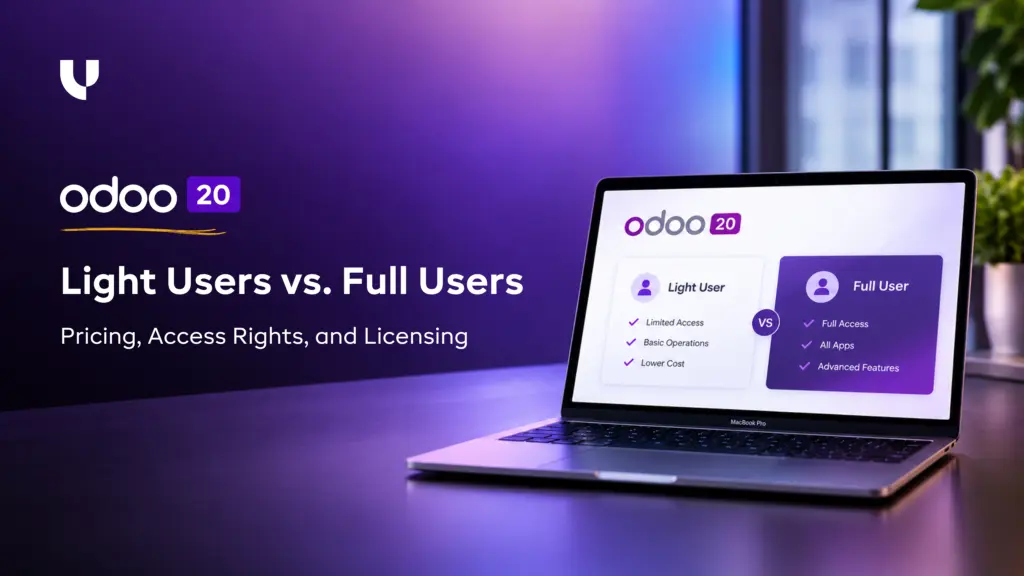
Odoo 20 Light Users vs. Full Users: Pricing, Access Rights, and Licensing
Read by: 2

Kamlesh Devaliya
VP sales & Marketing
Kamlesh Devaliya is the Vice President of Sales & Marketing at UNCANNY Consulting Services, specializing in SEO, Generative AI, AI/ML, and digital growth strategies. He helps businesses strengthen their online presence and leverage emerging technologies to achieve sustainable growth.
Published on October 22nd 2026

Overview
Not everyone in a business needs the same level of access to Odoo. Warehouse staff may only need barcode scanning, while the finance team works in Accounting and managers handle approvals across departments. Odoo 20's Light and Full user options let businesses account for these differences when planning their licences. This blog takes a closer look at the different aspects of Light users vs. Full users along with their pricing, access rights, and licensing.
Introduction
Adding employees to Odoo can get expensive when every person is assigned a full licence, even if most of their work involves a few routine tasks.
Think of a warehouse employee who scans products and checks stock movements, or a staff member who submits leave requests. They don't necessarily need access to Sales, Accounting, or Project Management. Paying for a full user when someone only needs limited functionality may not make much sense.
That's where Odoo 20 Light Users come in. They provide access to selected features, while full users can work with the core business applications their roles require.
The difference affects more than the monthly subscription: the access a person needs determines which licence is appropriate. Giving a Light user access to restricted applications can also upgrade their role to a standard User.
The important part is working out who needs what before assigning licences. Let's start with the difference between Light and full users.
What Odoo 20 Changed About Users
Odoo 20 launched on 24 September 2026 and changed its pricing on the same day. Every user form now has a Role field with three options: Light, User and Administrator.
The Odoo Light User is meant for people who use Odoo for their own work, such as booking leave, clocking in or scanning stock, and not for running sales, purchasing, projects or accounting.
Interestingly, two details shape everything else.
Light Users are quoted by an Odoo advisor, so you can’t add them at checkout on the pricing page and the Light role exists in Odoo 20 only. So businesses still using Odoo 19 continue to remain full users or not billed at all.
This is where it usually goes wrong. A manager hears that there is a cheaper user and assumes it can be given to anyone who logs in less often. Odoo doesn’t decide the role by how often someone logs in. It decides it by what the person is allowed to touch.
The Light User is a restricted role with a fixed list of permitted work, and not a discount tier.
Odoo 20: What Each User Type Costs
Here’s a closer look at the Odoo 20 pricing as of early October 2026:
| Light User | Standard | Custom | |
|---|---|---|---|
| Europe | €7.90 | €24.90 | €44.90 |
| United Kingdom | £7 | £18 | £41 |
| United States | $8.90 | $31.10 | $61 |
| India | ₹195 | ₹760 | ₹1350 |
All prices are per user per month, ex VAT. Odoo also raised the Custom plan by roughly 20% with this release, and first-year discounts apply to the full plans, so what you actually pay depends on how the subscription is structured.
The rest of the Odoo cost picture sits outside the licence line. Implementation, customization, and support are separate, and the Odoo license cost for a full suite plan is only one part of what a project ends up spending.
A low per-seat price tells you what the role costs. It doesn’t tell you how many seats you’ll end up paying for, which is covered further down.
What a Light User Can and Cannot Do
When comparing Odoo pricing per user, the difference only matters if the role fits the job, so the next question is what a Light User can actually do. This is based on a test of the Odoo 20 code with the default Light permissions.
| App | What a Light User can do | Main limit |
|---|---|---|
| Time Off | Request own leave and allocations | Editing stops once validated |
| Attendances | Check in and out, see own records | Editing stops once validated |
| Expenses | Record own expenses | Own employee only, draft state |
| Employees | Browse the directory, edit own skills and resume | Everything else is read only |
| Planning | See own published shifts | No editing |
| Barcode | Receive, deliver, move, pack and count stock | No Inventory app |
| Point of Sale | Work the till as a cashier under an employee PIN | No backend |
The Odoo pricing for Light User A Light User can’t open the Inventory app, create a quotation or a purchase order, post an invoice, log timesheets, edit products or contacts, or use Discuss. They also don’t see the Settings menu or the Technical menu. In practice, a technician can see their shifts in Planning but can’t book time against them, because the timesheet permission sits outside the Light role.
Roles are also not something you can adjust with settings. There is no “Light group” to toggle. Odoo works out the role from the groups a person holds, and a person is Light only if every group they hold is on a short approved list. Hiding menus or trimming forms changes nothing.
Warehouse operatives are where most of the saving sits, because each person on the Barcode app costs the Light price and not the full one. The catch is that the same person, handed one extra permission, stops being Light.
Want to start a project with us?
Empowering businesses to achieve greatness through strategic guidance and innovative solutions.
Book A Demo
The Employee Record Clause
Here is the part most buyers miss, and it changes the maths from the previous section.
Under Odoo’s Enterprise Subscription Agreement, version 13, a Light User includes active employee status in the Employees app that isn’t linked to another existing non-portal user account.
Put plainly, the people you pay for are not only the people who log in. Every employee record without a login counts too, from the moment the database runs on Odoo 20. Thirty shop floor staff with no login at £7 each come to £210 a month for people who may never open the system. On Odoo 19 the role doesn’t exist, so those same records cost nothing.
Therefore, businesses switching to Lite end up saving on Odoo pricing, reducing their overall biller every month.
Who Should Be a Light User and Who Shouldn’t
Once the rules are clear, the decision becomes a question about each job, not each person. Here’s a closer look at who should be a Light User and who shouldn’t:
- The Light role fits a job that uses only one or two of the permitted apps and nothing else. That covers warehouse operatives on Barcode, field technicians who only view their shifts, and staff who book leave, clock in, claim expenses and read the knowledge base.
- It doesn’t fit a warehouse manager who corrects stock in Inventory or fixes a customer address. It doesn’t fit anyone who raises a quote or a purchase order, and it doesn’t fit anyone who needs to log time.
- Portal users, meaning customers and suppliers who log in to view their own documents, are not billed. Odoo 20 Community shows the Light role but doesn’t bill for it, which matters for anyone comparing Odoo Enterprise pricing against a self-hosted option.
The useful question is rarely “who could be Light?” It is “who would never need to be anything else?”
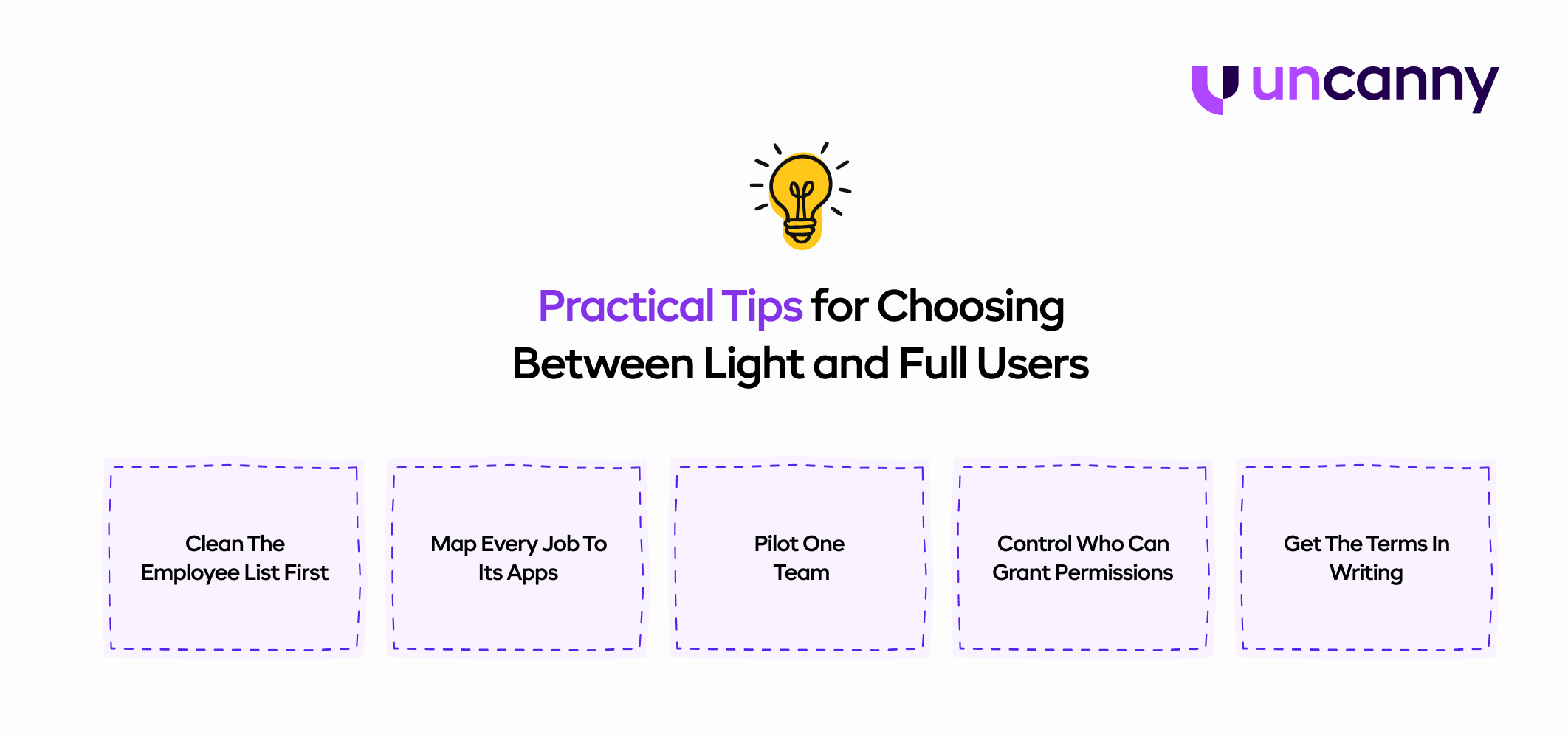
Practical Tips for Choosing Between Light and Full Users
The checks above tell you what Odoo will count. These steps help you set up your users so the count matches what you want to pay.
-
Clean the employee list first:
The cost follows records as well as logins. Archive anyone who has left and merge duplicates before you ask your advisor for a quote. -
Map every job to its apps:
List what each job needs to do in Odoo, such as scan stock, book leave or raise a purchase order. Jobs that stay inside the permitted Light apps are candidates for the cheaper role. Anyone who needs one app outside that list is a full user from day one, and it’s better to know that before the quote. -
Pilot one team:
Switch a single team, such as warehouse operatives on Barcode, to Light and watch for a month. If nobody needs an extra permission, roll it out. If people keep asking for one, the role was wrong for that job. -
Control who can grant permissions:
A Light user given one extra group becomes a full user, billed at list price for the rest of the term. Decide who may change access rights and require a short note when they do, so a favour to a colleague doesn’t turn into a new seat. -
Get the terms in writing:
Ask your Odoo advisor two things: whether a new subscription agreement is needed to get the reduced Light price, and how employee records without a login are treated. Also check your version. Odoo may add 25% to a subscription running a version older than the three most recent releases, though Odoo 18 and 19 are still within that window.
Companies that follow these steps tend to see the saving that Odoo pricing promises, because their roles match their jobs.
Setting Up Odoo 20 So the Bill Makes Sense
Odoo 20 makes the cost of a user depend on how a person is set up, not only on who they are. A company that treats the Light User as a cheap seat will pay for it in role changes. A company that treats it as a narrow role, with a clean employee list, can lower its Odoo cost without losing control of access.
Planning your entire restructure alone can be confusing, especially when planning to add Odoo 20. Therefore, businesses who need help reviewing their workflow, user list, and setting up roles or planning, team UncannyCS is here to help.
Our experts work with your team to implement Odoo and streamline operations over the long term. Talk to our team about your Odoo 20 upgrade, book a call today.
About Author
Kamlesh Devaliya is the Vice President of Sales & Marketing at UNCANNY Consulting Services, specializing in SEO, Generative AI, AI/ML, and digital growth strategies. He helps businesses strengthen their online presence and leverage emerging technologies to achieve sustainable growth.