10 Signs Your Wholesale Business Has Outgrown QuickBooks
Read by: 1

Sanjay Gohel
HOD Odoo
Sanjay Gohel is the Head of Department – Odoo at UNCANNY Consulting Services, specializing in ERP implementation, Odoo development, and software solutions. He helps businesses improve efficiency through customized ERP systems designed to streamline workflows and support operational excellence.

 12 Min Read
Published on November 26th 2026


A practical guide for wholesalers who have outgrown QuickBooks
Ask any wholesale business owner what takes up most of their time, and accounting is usually their #1 problem. They're going through the books, managing inventory, following up with suppliers, and dealing with other factors that don’t match their current Excel sheet.
Interestingly, none of these problems are isolated.
Stats suggest nearly 82% of small businesses fail because of poor cash flow management. This is also where most businesses start to feel the limits of working across spreadsheets or other software options like QuickBooks.
It is a good platform when starting your wholesale business, but things become challenging when team members need to maintain separate records for purchases, stock, and order fulfilments.
That’s no reason to switch from QuickBooks, but it’s a strong reason to understand whether your business needs full wholesale software.
If you're finding yourself in that position, this is the blog for you. Keep reading as we cover the 10 early signs that your wholesale business has outgrown QuickBooks.
10 Signs Your Wholesale Business Has Outgrown QuickBooks
If more than three of these sound familiar, it's probably time to start looking at wholesale distribution software.
1. Spreadsheets Are Your Team’s Go-to Tool
Let’s start with the most common sign - everything is recorded on spreadsheets.
Stock counts stay in one tab, fulfillment orders in another, and customer prices on a different sheet. One team member then posts the numbers to QuickBooks, and everyone expects it to match.
While those steps work, here’s the problem: Spreadsheets don’t communicate with each other and don’t update in real time. One wrong input here could result in the wrong stock-unit display.
Here’s what the scenario looks like:
- A sales team member updates that 200 units were sold in the morning.
- The purchasing team reorders a product that’s already there in the warehouse.
- The finance team spends several hours matching sheets before delivering any report.
Sounds familiar? It’s not a people problem; it’s the system at fault. When you rely on spreadsheets to do what software should, it’s a clear sign your business has moved past QuickBooks.
2. You're Managing Multiple Warehouses
Operating across different warehouses is a great milestone for any business, but it also changes how you rotate, replenish, or manage your stock. With more warehouses, your business spends more time updating stock and moving products between warehouses to balance supply and demand.
QuickBooks Online's built-in inventory was never designed to support multi-warehouse operations. That’s why most wholesalers using the platform end up adding another app to track the inventory.
The result?
- Orders ship from the farther warehouse because nobody could see stock at the nearer one.
- Transfers between locations get recorded late, or not at all.
- Stock counts at each site rarely match what the system shows.
This is where proper wholesale inventory management software makes a real difference. It shows stock by location in real time, handles transfers properly, and helps your team pick and pack from the right place every single time.
If you're already juggling two or more warehouses on QuickBooks, it's worth asking how long that setup can realistically last.
3. You've Hit the User Limit
The user limit factor is generally not visible for most wholesalers when they sign up on the platform. QuickBooks Online Plus allows up to 5 billable users, while Advanced takes it up to 25. For a small team, that's plenty.
But what happens when you move towards the next phase of your business?
- Sales reps checking stock and customer accounts
- Warehouse managers updating inventory
- The purchasing team raising orders
- Finance and your external accountant
Those seats fill up much faster than you'd expect.
So what happens next? Teams start sharing logins.
While it feels harmless at first, it creates a real security risk. When something goes wrong, nobody knows who’s accountable. For a business handling customer data and payments, that's not a risk worth taking.
Upgrading plans only pushes the problem a little further down the road. If you're constantly juggling licenses just so people can do their jobs, the issue isn't the number of seats. It's that your business has outgrown a system built for much smaller teams.
4. Your Chart of Accounts and Tracking Are Maxed Out
Here’s another factor that most wholesale businesses don’t think of when they start.
QuickBooks’ Start, Essentials, and Plus plans limit your chart of accounts to 250 entries. Additionally, you can only work across 40 combined locations. Only the Advanced plan removes these caps.
Now, 40 locations might sound like a lot, but wholesalers usually want to track performance across several areas. They might want to analyze factors around:
- Each warehouse or branch
- Sales channels, like direct, distributors, and online
- Regions or territories
- Product lines or brands
Add those up, and you can run out of tags surprisingly fast. Throw in a new branch or channel, and you're already at the limit. Once you hit the limit, you're forced to choose which numbers to stop tracking.
That's exactly the opposite of what good reporting should do. Instead of getting clearer insights as you grow, you end up with a less detailed picture of your own business, right when you need that detail the most.
5. You Can't Get Accurate Product Costs
Wholesale businesses already operate on thin margins, so understanding the true cost of every product isn't optional; it's essential.
QuickBooks uses FIFO as its inventory costing method and doesn't track landed costs in much detail. For a wholesale business, the landed cost is where they can differentiate between profit and loss per unit because it includes:
- Freight and shipping charges
- Import duties and customs fees
- Insurance
- Handling and storage costs
When you don't add these to the product cost, the number you see in the system ends up lower than what you actually paid. Interestingly, nobody notices these changes initially until the margins don't add up.
Why does this matter? Because your pricing decisions are based on that number. A product that looks like it's making a 15% margin on paper could barely break even once you factor in shipping and duties.
Multiply that across hundreds of SKUs, and you could be losing money on products you thought were your best sellers. Accurate costing is one of the clearest reasons wholesalers start looking beyond QuickBooks.
6. You Need Lot, Batch or Serial Number Tracking
If you deal in food, beverages, pharmaceuticals, cosmetics, or electronics, traceability isn't a nice-to-have. It's a must, and you must know exactly:
- Which batch went to which customer
- When each batch expires
- Which serial number belongs to which order
- How to pull products back quickly if there's a recall
QuickBooks Online doesn't offer this level of tracking on its own. So it usually ends up being managed through third-party add-ons or, worse, yet another spreadsheet.
Now imagine a supplier calls about a faulty batch.
With proper tracking, you'd know which customers received it within minutes. Without it, someone on your team spends hours, sometimes days, digging through invoices and emails to piece it together. That's not a position any wholesaler wants to be in.
That delay can cost you more than money. It can damage customer trust, regulatory compliance, and your reputation.
If your products need to be tracked from the time they come in to the time they go out, your accounting system needs to do that from day 1.
7. Order Processing Is Slow and Manual
Wholesale runs on orders, and they come in from everywhere: emails, phone calls, sales reps, B2B portals, and EDI from bigger retail customers. If each one has to be typed into QuickBooks by hand, team members will eventually make a mistake.
A wrong quantity or an outdated price quickly turns into returns, credit notes, and unhappy customers, and peak season makes it worse. The more orders you take, the more of your team's day goes into data entry instead of serving customers.
A proper wholesale order management system fixes this by:
- Bringing all orders into one place
- Checking stock automatically
- Applying the right customer pricing
- Sending orders straight to the warehouse
The difference? Less typing, fewer errors, and faster deliveries.
If your team spends more time entering orders than fulfilling them, you've outgrown QuickBooks.
8. You're Paying for Too Many Add-On Apps
This is another factor that goes unnoticed in the early stages.
First an inventory app, then shipping, purchase orders, B2B ordering and reporting. Each comes with its own monthly fee, and each needs to sync with QuickBooks to keep your numbers right.
Before long, you're paying for five or six tools just to do what one system should.
The catch? Syncs fail, and when they do, figures stop matching across systems, and someone spends hours finding out why.
At some point, all those subscriptions plus the time spent fixing sync issues cost more than a single system that does it all. If your setup feels like a patchwork, it's time to look at the bigger picture.
9. Month-End Close Takes Forever
If closing your books takes two weeks instead of a few days, something's wrong, and it’s usually because the data lives in too many places.
For closing the books, the finance team has to:
- Pull inventory figures from one app
- Export sales data from another
- Reconcile everything manually in Excel
By the time reports are ready, the numbers are already outdated. Leadership then makes buying, pricing, and cash flow decisions on last month's picture. You might reorder a product that's already slowing down, or spot a cash crunch only when it's too late to plan around it.
Remember, a faster close isn't just about saving time; it's about giving your business accurate numbers when they actually matter.
10. You're Expanding Into New Entities or Markets
Growth is great, until your accounting system can't keep up.
A new company, an overseas branch, or a separate brand means managing multiple entities. QuickBooks Online is built mainly for single-entity businesses, so each company usually needs its own file.
Things usually get complicated around this time. The early indicators include:
- Group reporting turns into a manual job
- Intercompany transactions are tracked across separate files
- Multiple currencies and tax rules come into play
What starts as a few extra spreadsheets can quickly become a full-time job for your finance team.
If expansion is in your plans, choose wholesale distribution software that supports multiple entities, currencies, and locations from the start, so your systems grow with your business instead of holding it back.
Want to start a project with us?
Empowering businesses to achieve greatness through strategic guidance and innovative solutions.
Book A Demo
How Uncanny Consulting Services Can Help
At Uncanny Consulting Services, we help wholesale and distribution businesses move from QuickBooks to Odoo, an ERP that brings accounting, inventory, sales, purchasing, and warehouse management into one place.
As an Odoo partner, we can help you map your current processes, migrate your data, set up multi-warehouse inventory and landed costs, and customize Odoo to match how your business actually works. Learn more about our Odoo customization services.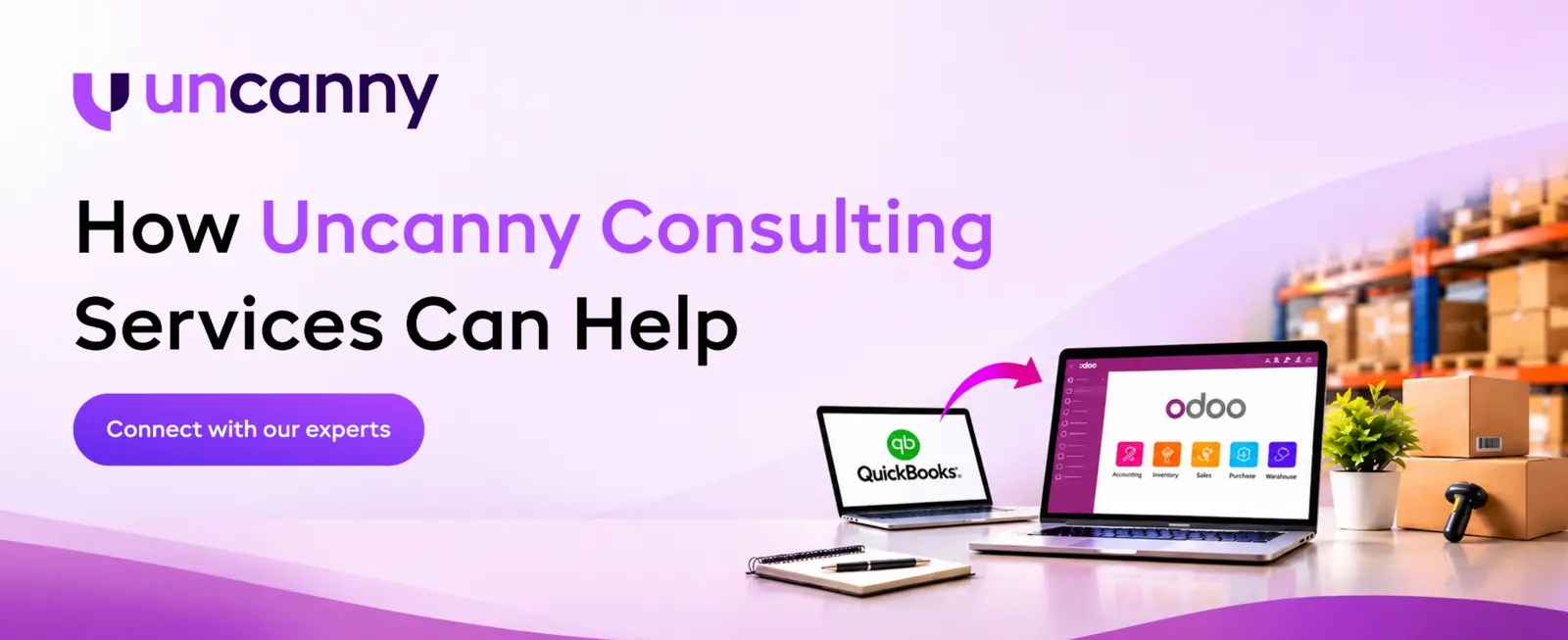
Found this post helpful? Be sure to share it with your network!


About Author
Sanjay Gohel is the Head of Department – Odoo at UNCANNY Consulting Services, specializing in ERP implementation, Odoo development, and software solutions. He helps businesses improve efficiency through customized ERP systems designed to streamline workflows and support operational excellence.


Sanjay Gohel is the Head of Department – Odoo at UNCANNY Consulting Services, specializing in ERP implementation, Odoo development, and software solutions. He helps businesses improve efficiency through customized ERP systems designed to streamline workflows and support operational excellence.