A Brief Introduction to Odoo Warehouse Management System
Read by: 2

Kalpesh Gajera
CTO
Kalpesh Gajera is the Chief Technology Officer at UNCANNY Consulting Services, specializing in Odoo, ERP, and eCommerce technologies. He focuses on building scalable enterprise solutions that help organizations streamline operations, improve efficiency, and accelerate digital transformation initiatives.

 4 Min Read
Published on July 14th 2022
What do you mean by Warehouse Management Software (WMS)?
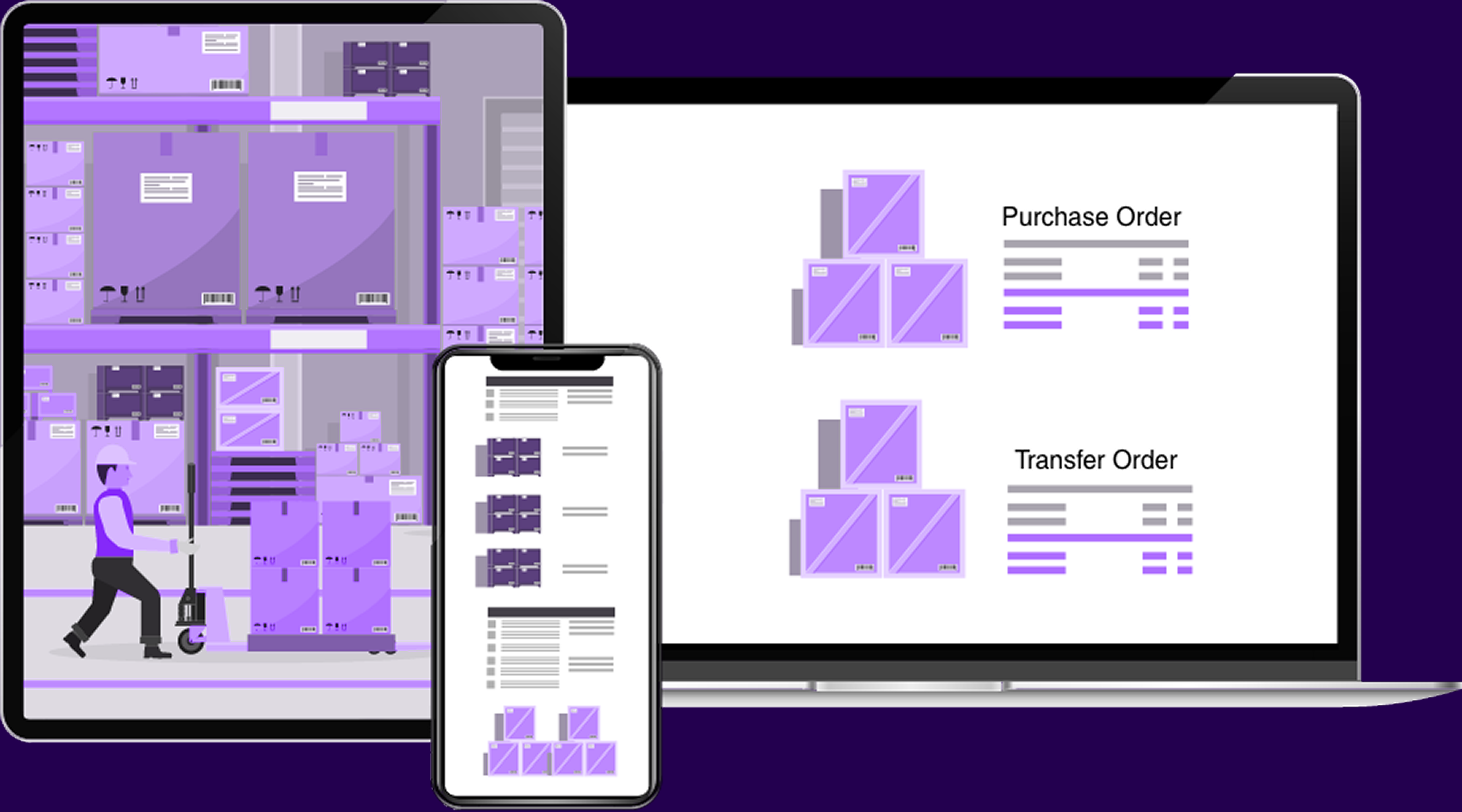
One must always make sure to look after warehouse management operations. Earlier, people used to monitor warehouses by making ledgers or bookkeeping. But with technological advancement, now you have various inventory management software to address different areas of warehouse operations.
A perfect warehouse management system offers overall management of various business operations. This system uses certain tools and menus to perform product movement and monitor logistics.
A Comprehensive Warehouse Management System - Odoo
Odoo is one of the best business ERP solutions to look after all aspects of the business. Odoo provides you with a dedicated modular structure that consists of various modules of operations. These modules are functionally integrated for providing complete freedom to operation management. It will result in more impactful and dependable corporate operations management.
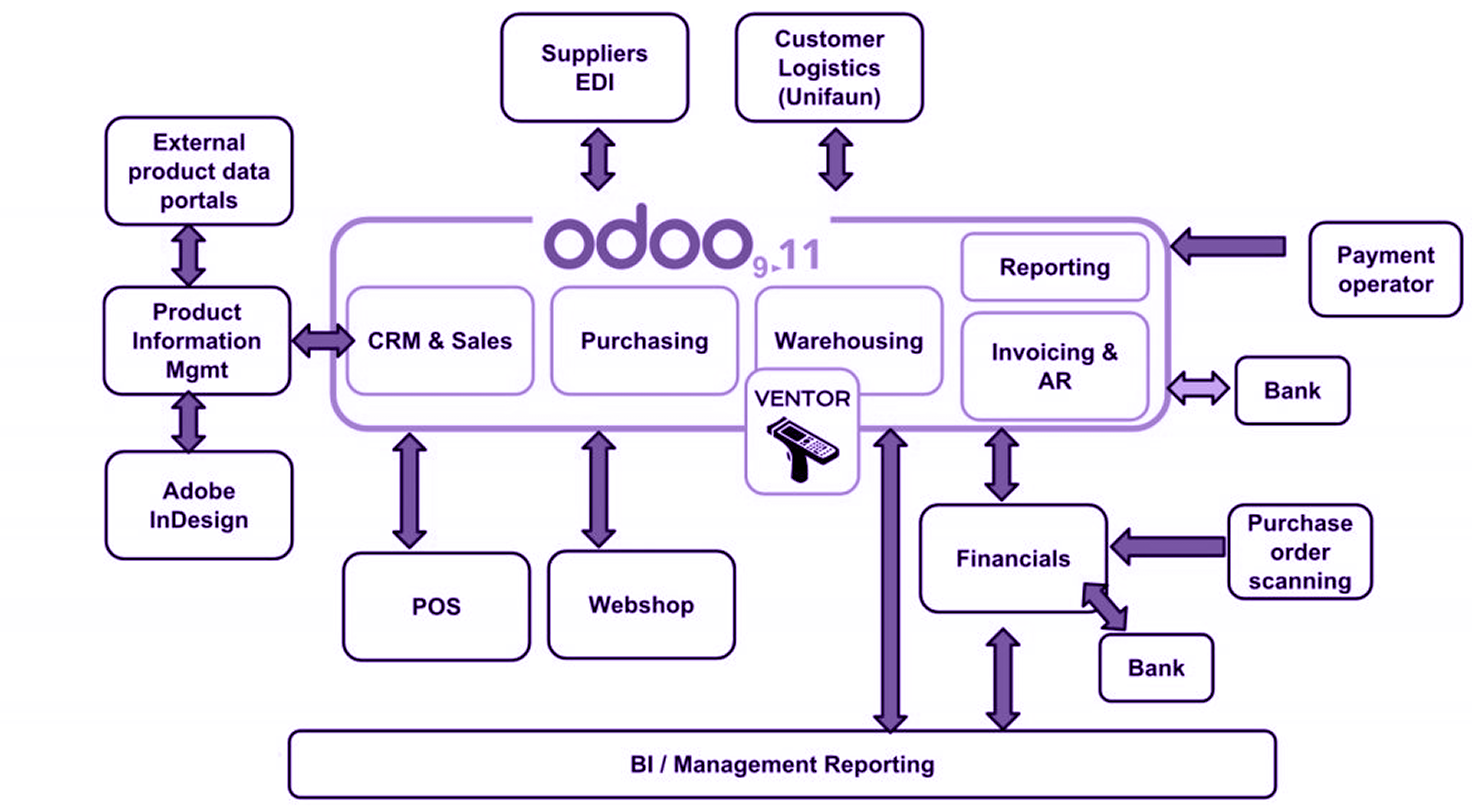
Presently, Odoo 15 is the most advanced and latest version of Odoo, providing quality performance and reliability in managing organizational activities. It is one of the leading solutions that can handle company processes with ease.
Want to start a project with us?
Empowering businesses to achieve greatness through strategic guidance and innovative solutions.
Book A Demo
How does Odoo Warehouse Management System Work(WMS)?
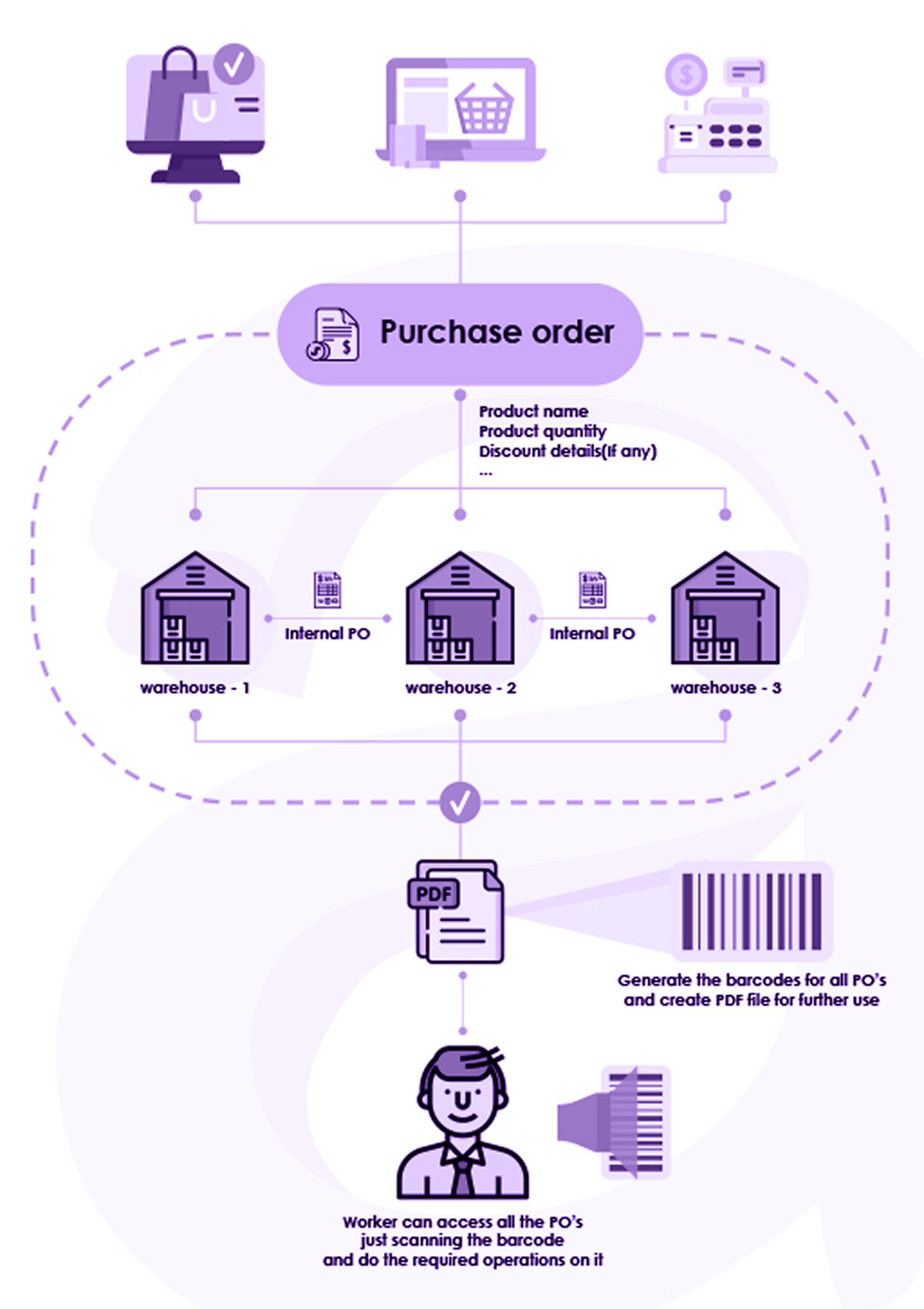
Odoo is one of those ERP management systems that help to set up one or more warehouses and also manage smooth moves between the warehouses. As and when there is an increase in your business requirements, you can add numerous warehouses under your company.
Here is the entire workflow of the Warehouse Management System in Odoo:
- Start with logging in to Google Instance, click on the home menu and select the Inventory app.
- Once you have done that, click on the configuration tab and move to settings. A warehouse only has one default location, but you can enable storage locations to manage multiple warehouses.
- Select the warehouse house menu. After that, click on the create button to add warehouse name, short name, and select address.
- There are times when you need to update Warehouse Configuration:
- You have the liberty to set the Incoming and Outgoing Shipments process. Besides this, you can also enable or disable resupply processes.
- Navigate the location menu and click on the create button. Here you can add the location name, cyclic inventory, and logistic strategy.
Found this post helpful? Be sure to share it with your network!


About Author
Kalpesh Gajera is the Chief Technology Officer at UNCANNY Consulting Services, specializing in Odoo, ERP, and eCommerce technologies. He focuses on building scalable enterprise solutions that help organizations streamline operations, improve efficiency, and accelerate digital transformation initiatives.


Kalpesh Gajera is the Chief Technology Officer at UNCANNY Consulting Services, specializing in Odoo, ERP, and eCommerce technologies. He focuses on building scalable enterprise solutions that help organizations streamline operations, improve efficiency, and accelerate digital transformation initiatives.