What do you mean by POS for Odoo?
Read by: 5

Kalpesh Gajera
CTO
Kalpesh Gajera is the Chief Technology Officer at UNCANNY Consulting Services, specializing in Odoo, ERP, and eCommerce technologies. He focuses on building scalable enterprise solutions that help organizations streamline operations, improve efficiency, and accelerate digital transformation initiatives.

 5 Min Read
Published on January 12th 2023
What is a POS System?
A POS system consists of a cash register and a software for managing and storing the data obtained from regular purchases. It is possible to boost the efficacy of a POS system by including the network of card readers and barcode scanners.
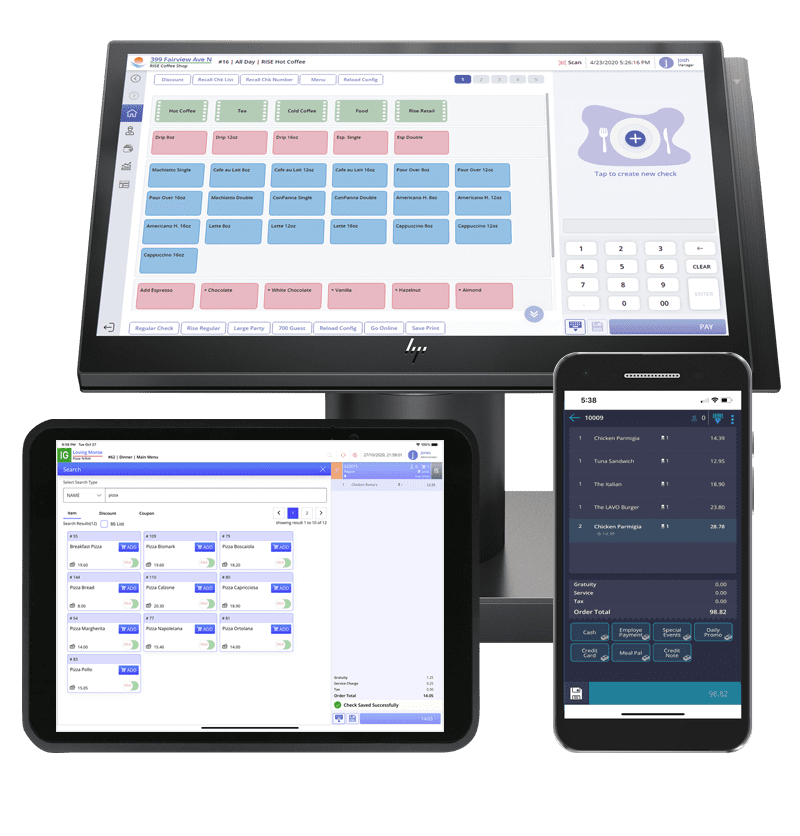
A quality POS system is capable enough to look after your inventory and purchase trends. With this, you will be able to dodge any kind of customer restrictions and out-of-stock situations. Currently, the cloud-based POS are becoming a rage and people have started opting out for it. This system offer the tracking and processing of multiple purchases.
What do you mean by Odoo Point of Sale?
Odoo provides you with Point of Sale module which is power packed with several features to take your business to the next level. With Odoo’s integrated business application, you can manage your business easily.
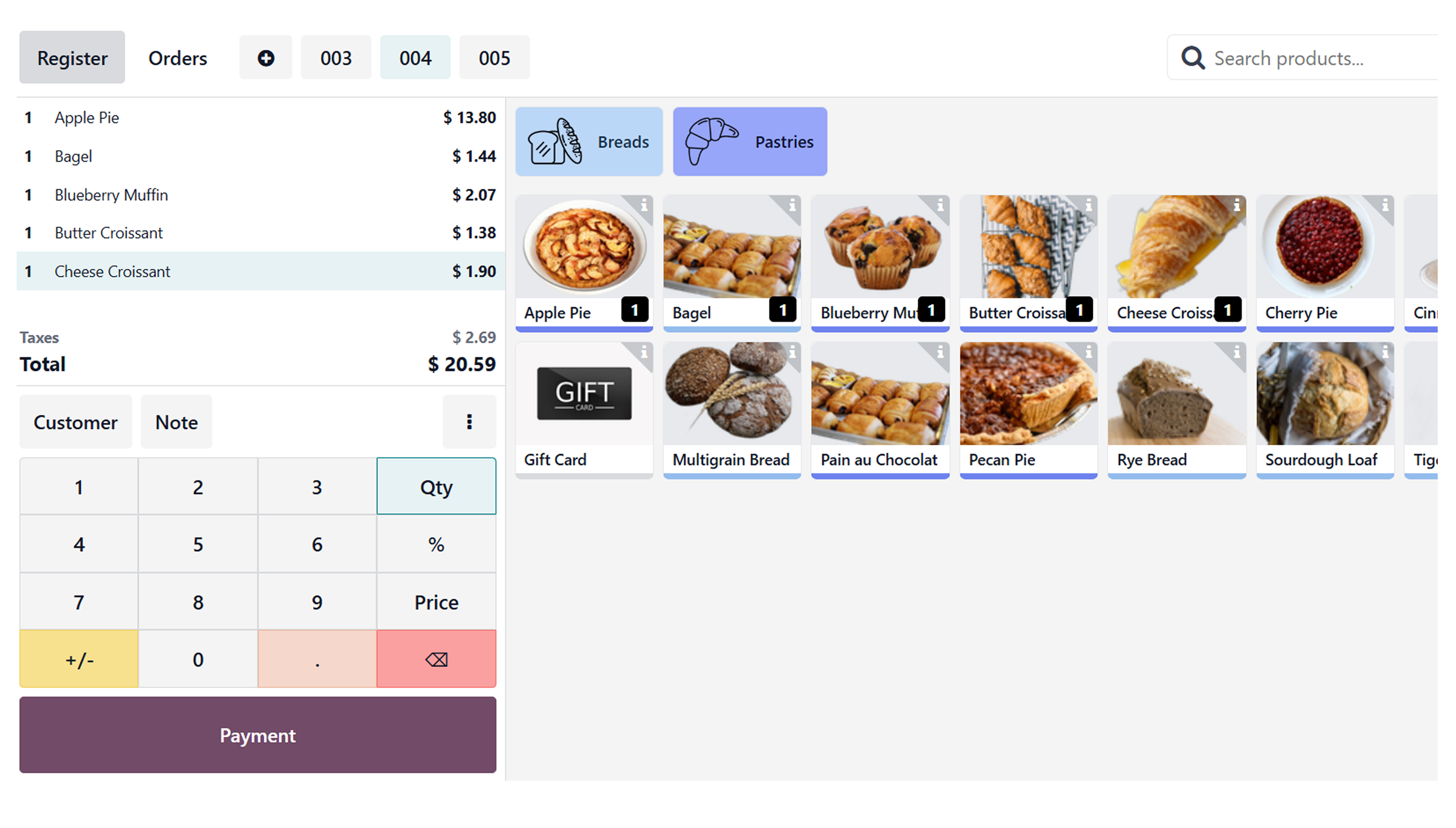
One of the best things about Odoo is that you can also work on offline mode. As the cache is already stored in the system, you can process the transaction even if you don’t have the network connectivity.
Top Features of Odoo POS System
Odoo Retail Shop Management
Odoo offers you everything that is much-needed for a business to flourish. It is based on a user-friendly interface that can be used effortlessly by any company. As Odoo is an open-source ERP, it is possible to customize the POS as per your business requirements.Order History
WithOdoo POS, you can also have a look at your customer history. Clicking on the history button will offer you with all the paid orders in a hierarchical pattern. If you wish to seed the details, just click on the orders.Daily Sheets
Odoo can be a time saving system as it can analyze daily sales in a single click. Here, you can decide the sales and payment methods and then work surrounding them.Cashier Accounts
With this feature, you can access all the important information of different cashier accounts even while securing them.Cash Flow
Odoo POS offers you with cash flow for managing the cash register adjustments. Here, you can also have a detailed analysis of debit and credit transactions separately.Inventory
Odoo POS can be of great help in managing your inventory when your warehouses are located at different locations. It offers you with a detailed analysis of your stocks. Besides this, it would also help in reviewing the stock integration along with the shipment.Odoo Restaurant Management
With the help of an Odoo POS, you can configure your hotel or bar easily. It becomes easier t manage the table and floors. For the same tables, you can create customized names and shapes too. By using edit mode, you can set up floor plans and initiate the process of taking orders. Further, you can also transfer your customer to a new table just by clicking on the transfer button. Last but not least, it will help you print orders in the kitchen for maintaining the balance or work.Bills and Payments
Odoo POS lets you make use of the bill printing feature for taking a print of bill payments. If you wish to add some personalized messages in the header or footer, you can do that too. You can also create the invoice by selecting the invoice option.Connectivity with external devices
With the help of an Odoo database, you can integrate all the important hardware components like IoT box devices and barcode scanners.Discount and Loyalty
Odoo POS can be helpful in maintaining healthy relationship with your customers. You also get to amalgamate all the discount offers and loyalty programs that you can tell your customers through Odoo email marketing. All of these benefits are available in the Odoo POS configuration and can be used in making payments.Category Management
With Odoo POS, you get to create a form for adding multiple product categories. Talking about this creation form, you can add category name with parent category and sequence order. You can easily recognize your products with hierarchical product categories.Want to start a project with us?
Empowering businesses to achieve greatness through strategic guidance and innovative solutions.
Book A Demo
Found this post helpful? Be sure to share it with your network!


About Author
Kalpesh Gajera is the Chief Technology Officer at UNCANNY Consulting Services, specializing in Odoo, ERP, and eCommerce technologies. He focuses on building scalable enterprise solutions that help organizations streamline operations, improve efficiency, and accelerate digital transformation initiatives.


Kalpesh Gajera is the Chief Technology Officer at UNCANNY Consulting Services, specializing in Odoo, ERP, and eCommerce technologies. He focuses on building scalable enterprise solutions that help organizations streamline operations, improve efficiency, and accelerate digital transformation initiatives.